
Young independent studio · Belgium

Building tomorrow’s apps.
For everyday life.

We’re a young, dynamic Belgian startup turning everyday challenges into practical apps. Curious by nature, hands-on by choice — and growing with the people who use what we build.

Discover our apps

Independent ideas. Thoughtful design. From Belgium.

The collection

Different apps. One studio.

Explore our growing collection.
Each app has a purpose of its own.

Tempo Apps Studio
TAS 4-in-OneTime. Planning. Everyday life.
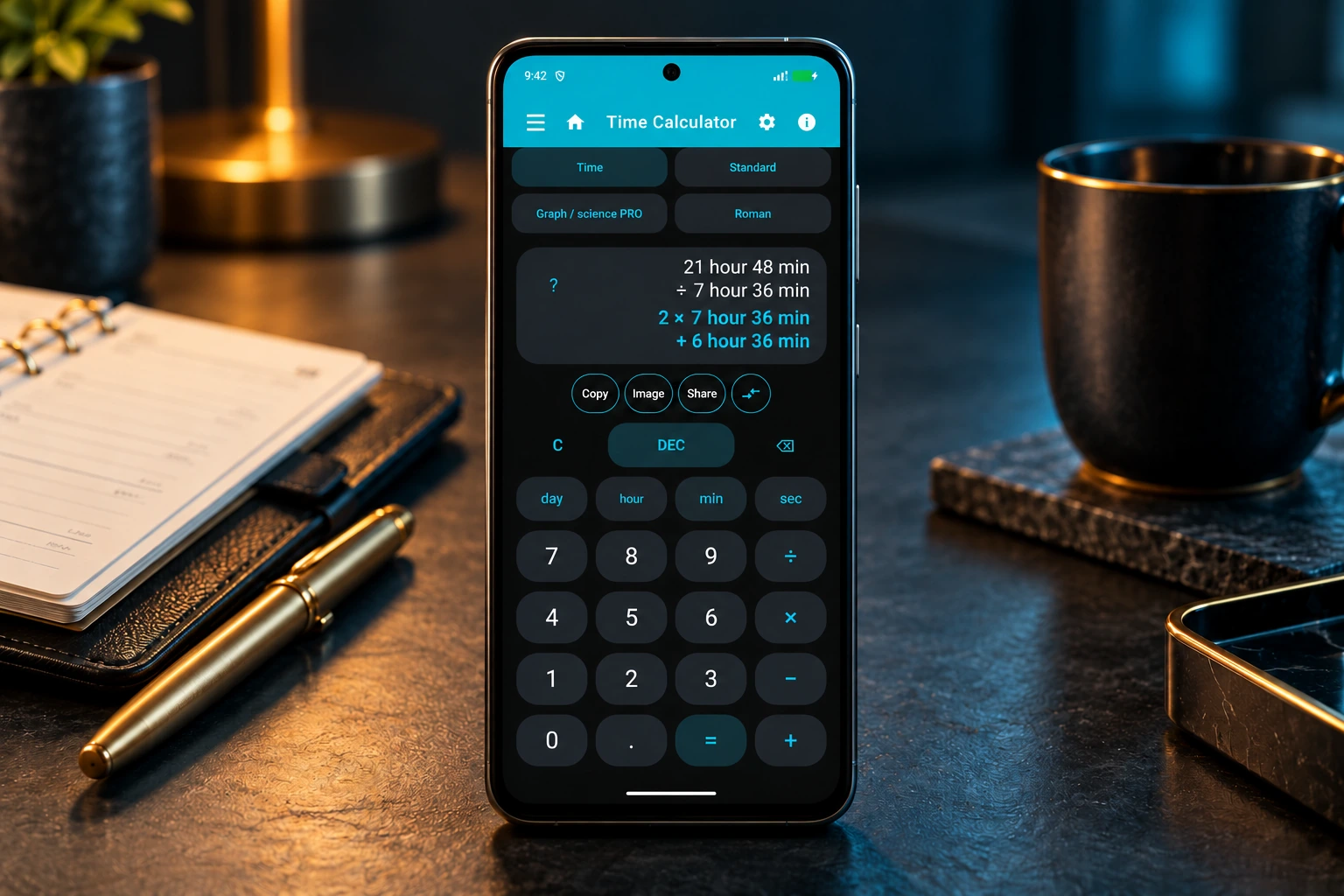
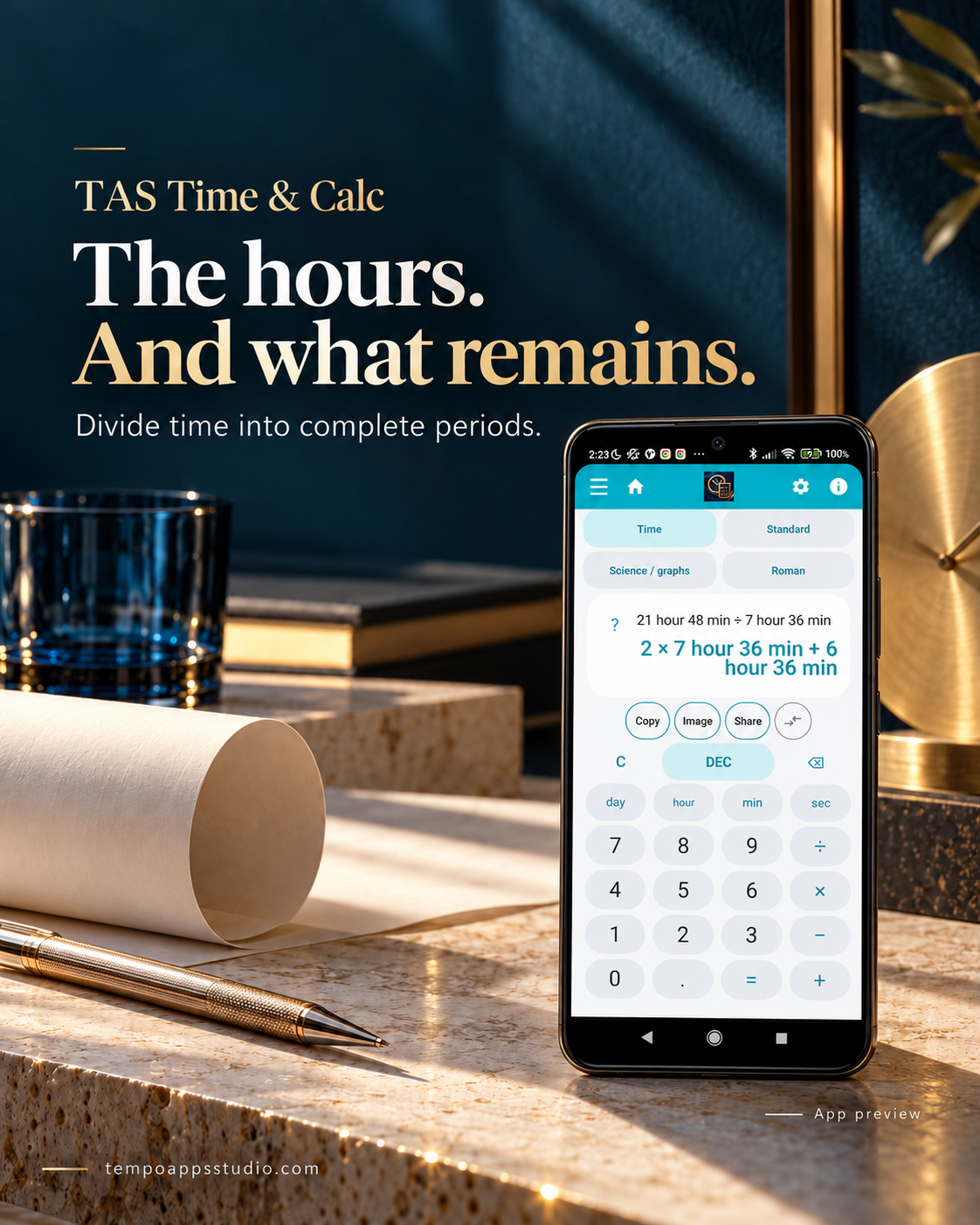
TAS 4-in-One — time division with remainder, illustrative product visual
Available on Google Play
TAS 4-in-One app icon

Time & planning

TAS 4-in-One

The all-in-one app for time calculations, shift planning, important dates and world clocks. TAS Budget and TAS PandNota are separate apps.

  • Calculate with days, hours, minutes and seconds
  • Pro: shift planning, work tracking and widgets
  • No ads. Optional one-time Pro purchase.

TAS 4-in-One brings together the tools of:

  • TAS Time & Calc
  • TAS Shift Planner
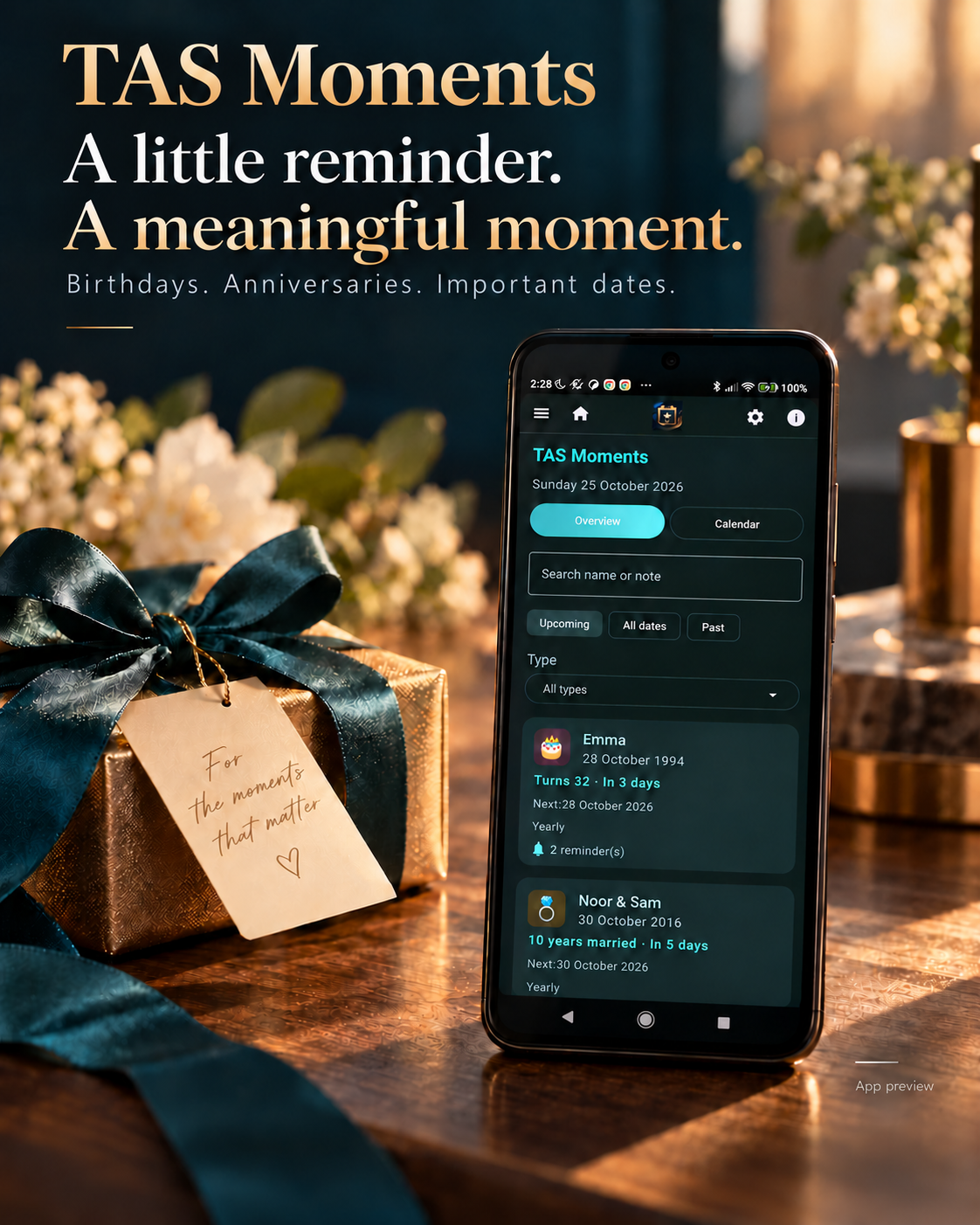
  • TAS Moments
  • TAS World Clock
Get it on Google Play ↗

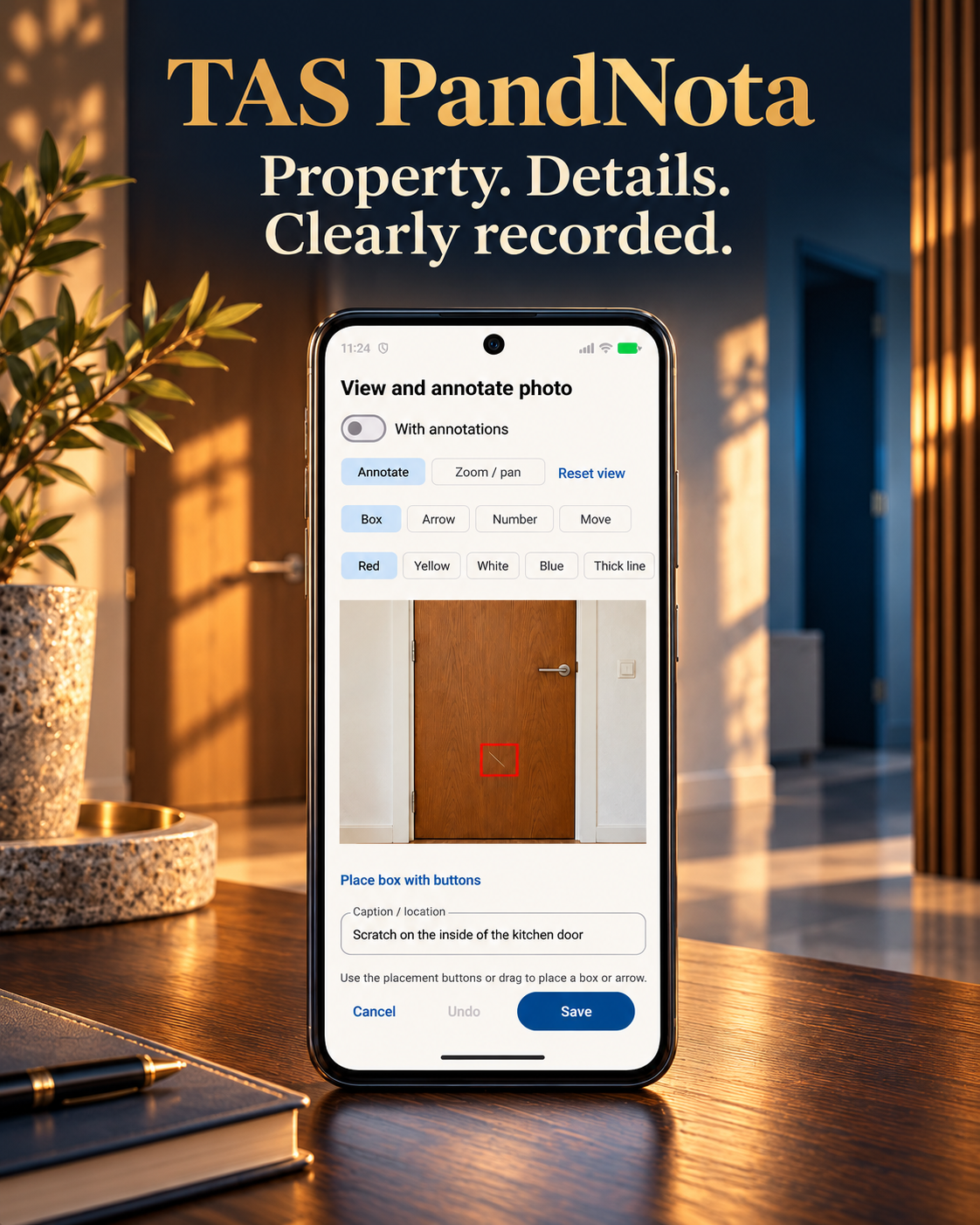
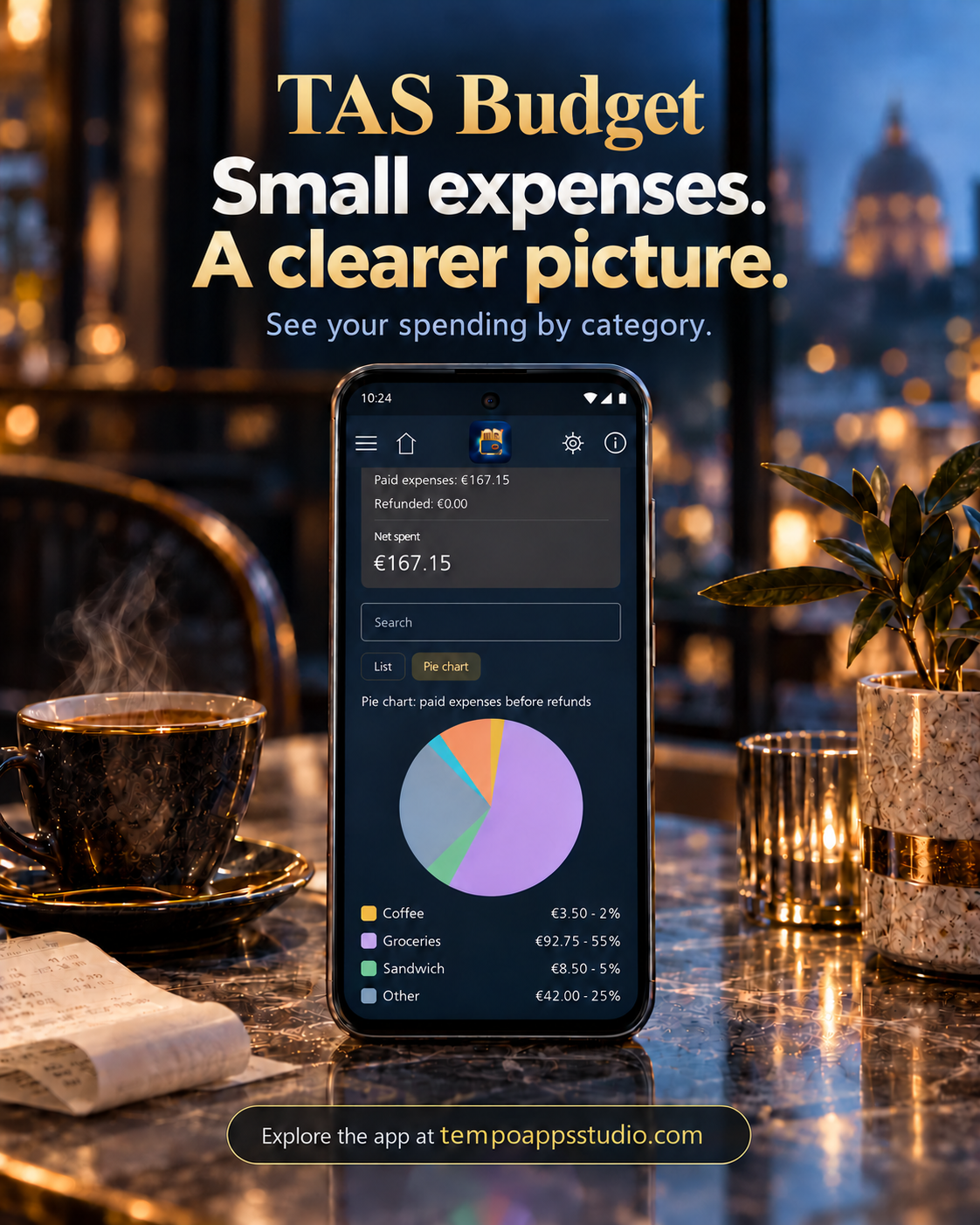
Illustrative promotional images. App pages include real screenshots or app demonstrations.

A YOUNG STUDIO. A CLEAR AMBITION.

Small studio.
Ideas with purpose.

Tempo Apps Studio is a young, independent startup in Belgium. We believe useful apps begin with a simple question: how could this everyday task be easier?

That question drives everything we make. From keeping track of time with TAS 4-in-One to documenting properties with TAS PandNota, we focus on clear design and practical tools that earn their place in your day.

We are still building our story — and we want our users to help shape it. Your questions, ideas and honest feedback give us direction.

Let’s stay in touch

A question. An idea. A hello.

Questions about an app or feedback to share? Send us an email.

EARLY FEEDBACK

What users say about TAS 4-in-One.

Three five-star reviews. A welcome encouragement to keep building.

★★★★★
“The design is simple, intuitive, and user-friendly.”

Бурлука Елена · TAS 4-in-One

Read the full original review

It’s an excellent app. It offers a wide range of useful features, suitable for both professionals and everyday personal use. The design is simple, intuitive, and user-friendly. It stands out favorably against other similar apps with the same name. The app is frequently updated, which is a definite plus, as tangible improvements are evident with each new version. I recommend it to everyone.

★★★★★
“No ads, just an extensive toolkit for your time. Definitely worth exploring!”

Alla C · TAS 4-in-One

Read the full original review

Time Calculator is een veelzijdige app die tijdrekenen, werkuren en planning handig samenbrengt. Van uren en pauzes bijhouden tot shiften plannen, klantgegevens registreren en afspraken over tijdzones heen afstemmen: er zit verrassend veel in. Ook wereldklokken, belangrijke datums, een timer en chronometer zijn van de partij. De basis is gratis en Pro ontgrendel je met één aankoop, zonder abonnement. Geen reclame, wel een uitgebreide gereedschapskist voor je tijd. Zeker het ontdekken waard!

★★★★★
“It features a user-friendly, intuitive interface that is visually simple and accessible.”

Георгий Бур · TAS 4-in-One

Read the full original review

An excellent app. Unlike other apps with similar names, this Time Calculator boasts a much broader and more substantial array of capabilities, options, and functions—highly useful for both professionals who track work hours and everyday users. It features a user-friendly, intuitive interface that is visually simple and accessible. Kudos to the developers!

Reviews submitted through Google Play. Two checked in Play Console; the third documented by the reviewer’s screenshots (17 October 2026). Excerpts translated where needed; full reviews shown in their original language.

TAS 4-in-One on Google Play ↗

EVERYDAY GUIDES

A useful answer. A practical example.

Hours and minutes to decimal hours

Why 2 hours 45 minutes is 2.75 hours, with a conversion table and a real app demo.

Read the guide →

Clearer photos for a property inventory

Capture the room, the detail and the observation so each photo has useful context.

Read the checklist →

PUBLIC APP UPDATES · NOVEMBER 2026

Keep your data, your way.

Our ten available Android apps now offer optional built-in Google Drive backup and restore alongside their existing local options. Choose your own Google account and decide whether to enable automatic copies. Explore each app for its features and access conditions.

The latest public versions also include the recent Russian-language improvements. Backup and restore is not live synchronisation; availability depends on your country and device.

English overview of the public updates. Earlier app images with example data; this is an announcement, not a demonstration of the Drive steps.