
01 · CALCULATE
Hours and minutes, without the mental maths.
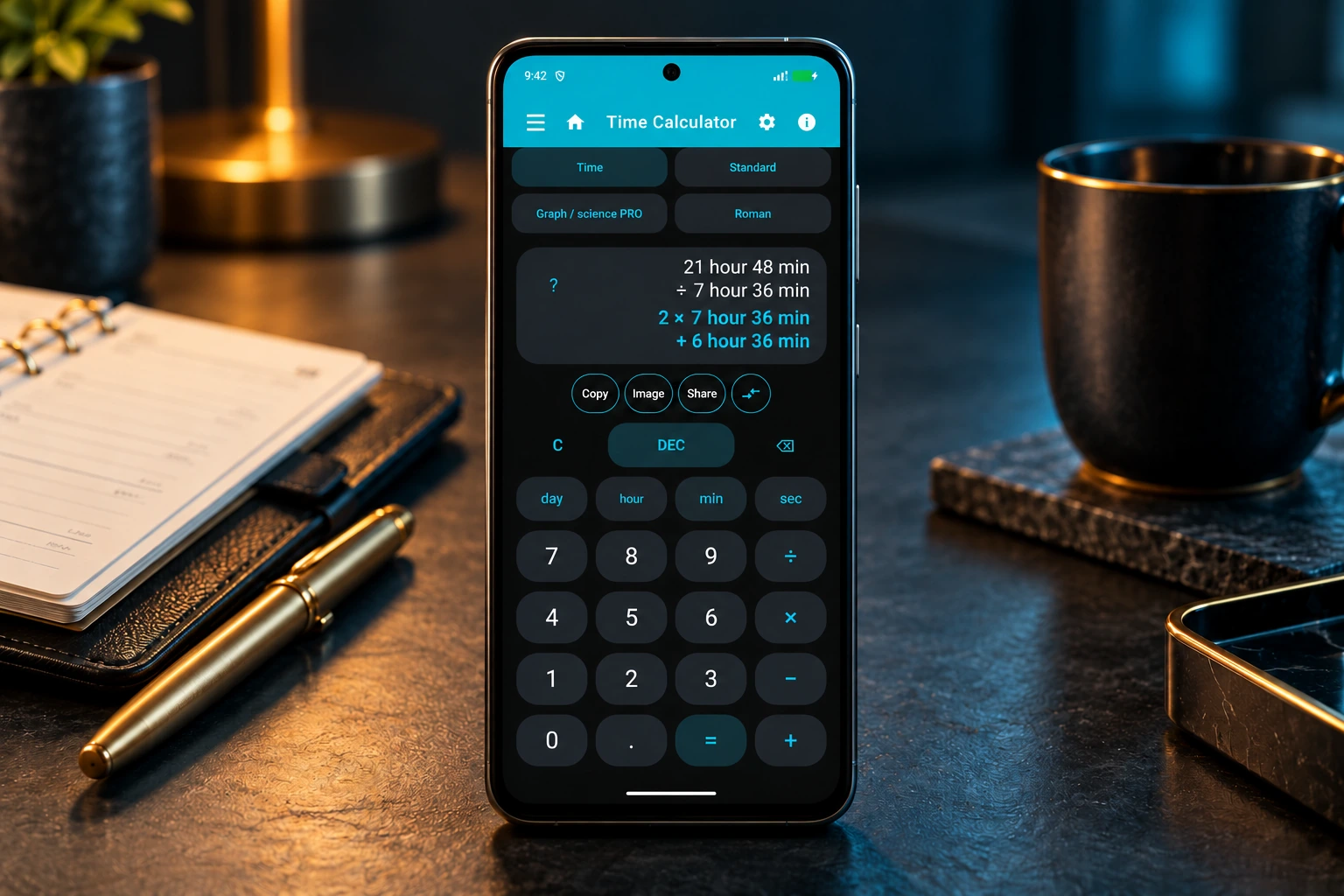
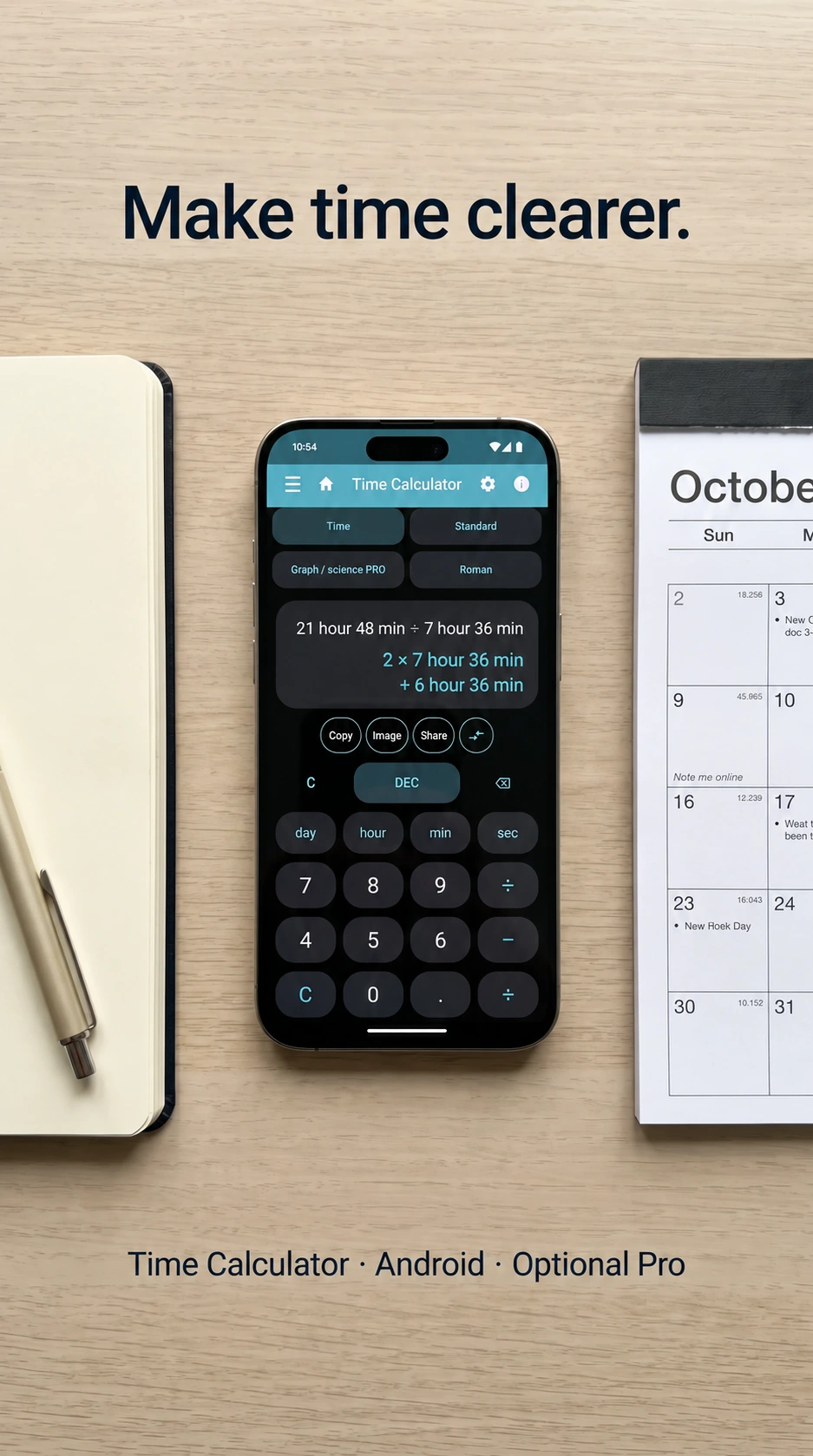
Add, subtract, multiply and divide durations in days, hours, minutes and seconds. Switch between time and decimal input. Basic time calculations and the standard calculator are free.
 Tempo Apps Studio
TAS 4-IN-ONE · ANDROID
Calculate time, plan your shifts and bring your day into focus. One practical Android app, from a quick calculation to a clearer working week.
Free time calculations · Optional one-time Pro upgrade · No ads
The all-in-one app for time and planning combines these four areas:
TAS Budget and TAS PandNota are separate apps. They are not part of TAS 4-in-One.
This describes the features brought together in TAS 4-in-One. Standalone apps have their own availability and purchase rights; free and Pro access within TAS 4-in-One remain unchanged.
See how it works
Explore calculations first, then discover meeting planning and calendars. Each short demo explains one practical task.
English narration and captions, with quiet music. Selected demos open with an AI-created illustrative scene, followed by the actual app demonstration. Press play and adjust the sound in the player.
Enter two hours, then add forty-five minutes. Use the hour and minute buttons to keep the units clear. Tap equals. Two hours plus forty-five minutes gives two hours and forty-five minutes. Switch to decimal hours when you need a number for a timesheet: two point seven five hours.
Open Date difference and choose the start and end dates. This example runs from October nineteenth to October twenty-sixth. Choose through to include the end date. That makes eight days. The to option excludes the final day. Open More details to see the same duration in other units: eight days equals one hundred and ninety-two hours.
For a day from eight until four, enter one hour of unpaid break. The app deducts that break from the worked time. Expand Hourly rate and enter thirty. This example uses US dollars; check the selected currency for your own calculation. The result is seven worked hours and two hundred and ten dollars. Review the totals, then save the day in your work history.
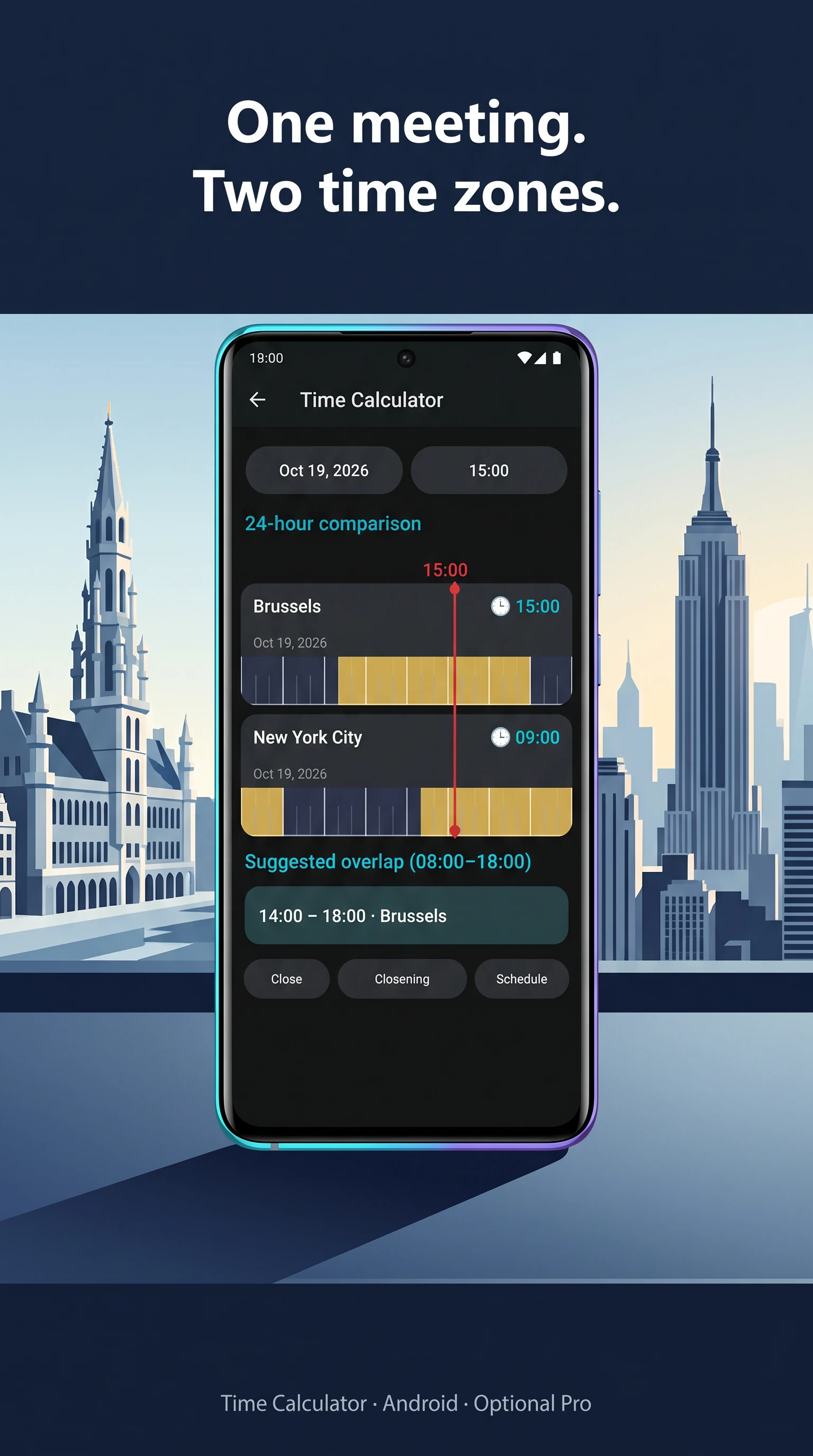
Open Meeting in World time and travel. Here, Brussels and New York are already selected. Choose the date and set the meeting time. For this October date, we select three in the afternoon in Brussels. That is nine in the morning in New York. The comparison also shows the suggested overlap in working hours.
First share your calendar through your calendar provider and sync it to your phone. Then link the available calendar in Time Calculator. In Shared calendar, open Visible calendars. Select both schedules and save. These are fictional, local demonstration calendars. Open a day to compare the hours: Alex works eight until twelve, and Sam works twelve until four. Linked calendars are read-only here.
In Important dates, add a name and select the birthday. You can leave the birth year unknown. Choose a cake icon and a colour. Set the recurrence to every year, and decide whether to show it in the calendar. Save the date. The card now shows the next birthday and the countdown. Add more birthdays to build your own list.
Demonstrations use sample data. Some features require Pro. Shared calendars must first be shared through your calendar provider and synced to your phone.
Start with the task in front of you. Explore more tools when you need them.
01 · CALCULATE
Add, subtract, multiply and divide durations in days, hours, minutes and seconds. Switch between time and decimal input. Basic time calculations and the standard calculator are free.
02 · PLAN · PRO
Build recognisable shifts with colours, breaks, multiple time blocks and repeating patterns. View your month or week and open the details of a day.
03 · WORK · PRO
Combine work, leave and time off in lieu on a date. Review weekly, monthly and yearly totals, and export to Excel or CSV. Earnings estimates use the rates you enter.
04 · CONNECT · PRO
Choose calendars available on your Android device and view them together. Personalise widgets, colours, titles and opacity. Sharing and synchronisation stay with your calendar provider.
05 · EXPLORE · PRO
Use a stopwatch and timer, compare world times, plan meetings across time zones and count down to important dates. Scientific and graphing tools extend the calculator.
06 · KEEP · PRO
Keep your calculation history and favourites. Back up and restore your data. Supported exports include Word, Excel, CSV, PDF, PNG and ICS; available formats depend on the feature.
From a quick time calculation to a meeting across time zones. AI-created promotional images based on our app; watch the demos for the actual controls. Time-zone planning is a Pro feature.
No ads. No TAS 4-in-One account required. Pro is an optional one-time purchase, without a subscription. Google Play shows the current price for your region.
Get TAS 4-in-One on Google Play ↗Basic calculations and locally saved planning work offline. Purchases, updates and external calendar or cloud services need a connection. Data is stored locally; linked services have their own storage and synchronisation settings.
Calendar-provider reminders are handled by your calendar app. Reminder delivery also depends on Android permissions and battery settings. Exported reports are not a substitute for a restorable backup.
YOUR EXPERIENCE
Share your experience on Google Play. Your honest review helps others decide and helps us improve the app.
Leave a review on Google Play ↗Tell us what you are trying to do. Feedback helps us improve the app.
info@tempoappsstudio.com ↗Read how TAS 4-in-One handles data, backups and sharing, and how to delete your information.
TAS 4-in-One privacy policy →EVERYDAY GUIDES
Why 2 hours 45 minutes is 2.75 hours, with a conversion table and a real app demo.
Read the guide →Capture the room, the detail and the observation so each photo has useful context.
Read the checklist →Available on Google Play: 4.3.14.
Connect your own Google account to save and restore supported app data. Make a copy when you choose, or enable optional daily or weekly automatic backups. Automatic backups are off by default.
Google Drive backup requires Pro. An internet connection and free Drive storage are required. Android can delay scheduled backups. This is backup and restore, not live synchronisation. Purchases and licences are not transferred by a backup.
The latest public release also includes the recent Russian-language improvements. See Google Play for availability on your device and in your country.