
PRACTICAL GUIDE · TEMPO APPS STUDIO
A photo checklist for a clearer property inventory
A close-up shows a scratch. A wider photo shows where it is. For a useful property inventory, connect both images to a room and a short factual description.
A repeatable checklist, room by room
- Name the room. Use a recognisable label such as “Kitchen” or “Bedroom 1”.
- Take an overview. Show where the door, wall, floor or fixture sits in the room.
- Add a close-up. Make the relevant detail visible and check sharpness and lighting before leaving.
- Describe what you can see. Write “Scratch on the inside of the kitchen door” rather than an assumption about its cause.
- Keep image and description together. Review the room list for missing items while you are still at the property.
Make the detail easy to locate
An annotation can point to a small mark that is hard to spot in a wider image. Keep enough context visible and use the description to explain what the marker identifies.
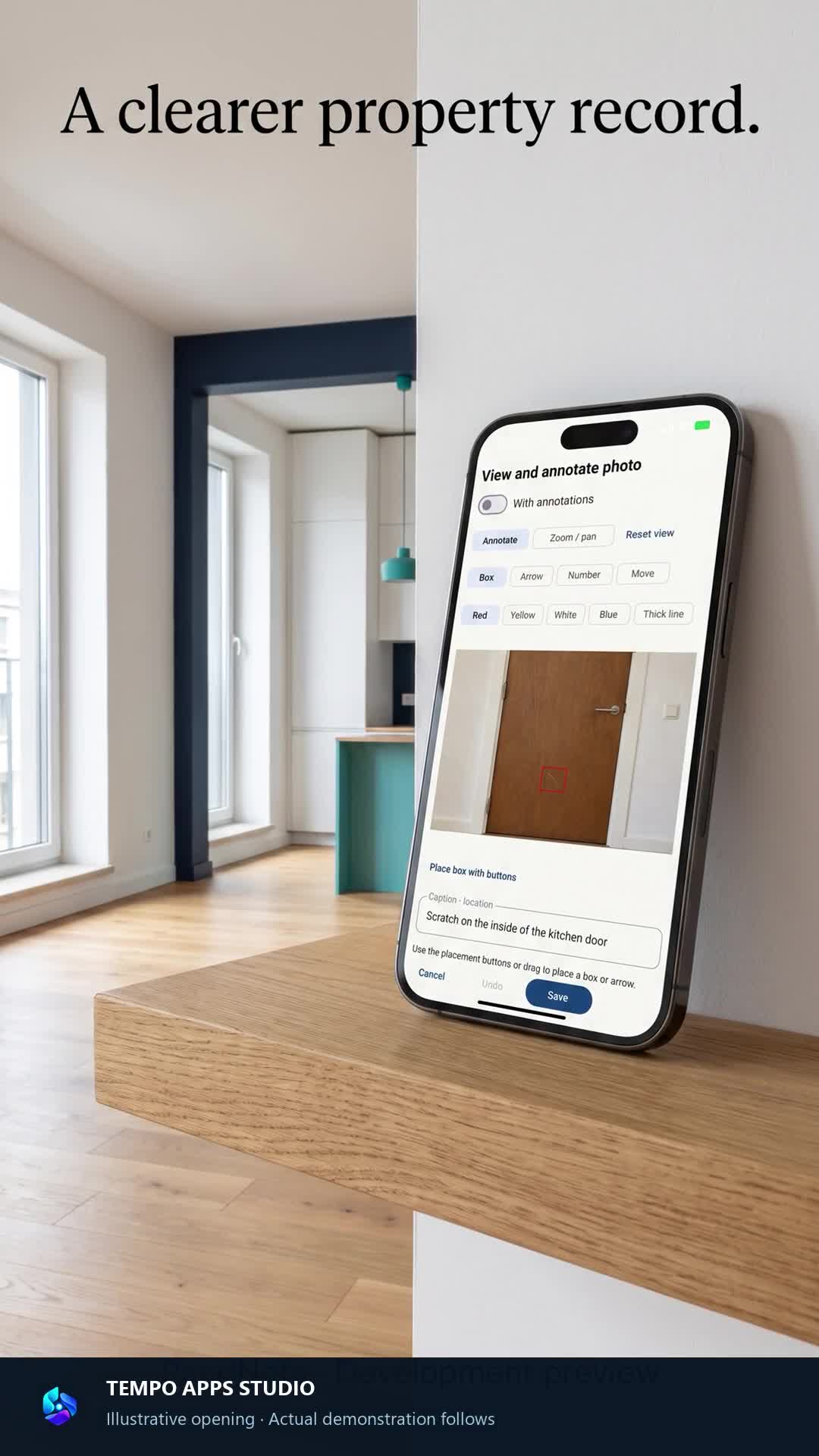
See the workflow in TAS PandNota
Our development demos show how to build a room checklist, mark a photo and save a description. TAS PandNota is available on Google Play. These recordings show an earlier app version; the current interface may differ.