Room by room. Detail by detail.
Bring rooms, observations and supporting photos into a structured inspection. Keep the context with each finding.
 Tempo Apps Studio

TAS PANDNOTA · AVAILABLE FOR ANDROID
A more structured way to record a property’s condition. TAS PandNota is for tenants, landlords and property professionals who want findings, photos and reports to tell one clear story.
See how it works
Follow a complete inspection workflow, from a new file and recorded findings to the finished PDF report.
English narration and captions, with quiet music. Selected demos open with an AI-created illustrative scene, followed by the actual app demonstration. Press play and adjust the sound in the player.
Create a new case and give it a recognisable name. We are using a fictional apartment for this demonstration. Enter the property or unit details and check the inspection type. Here, it is a move-in inspection. Save the case. Its overview brings together the inspection details and the next step: adding the rooms you want to inspect.
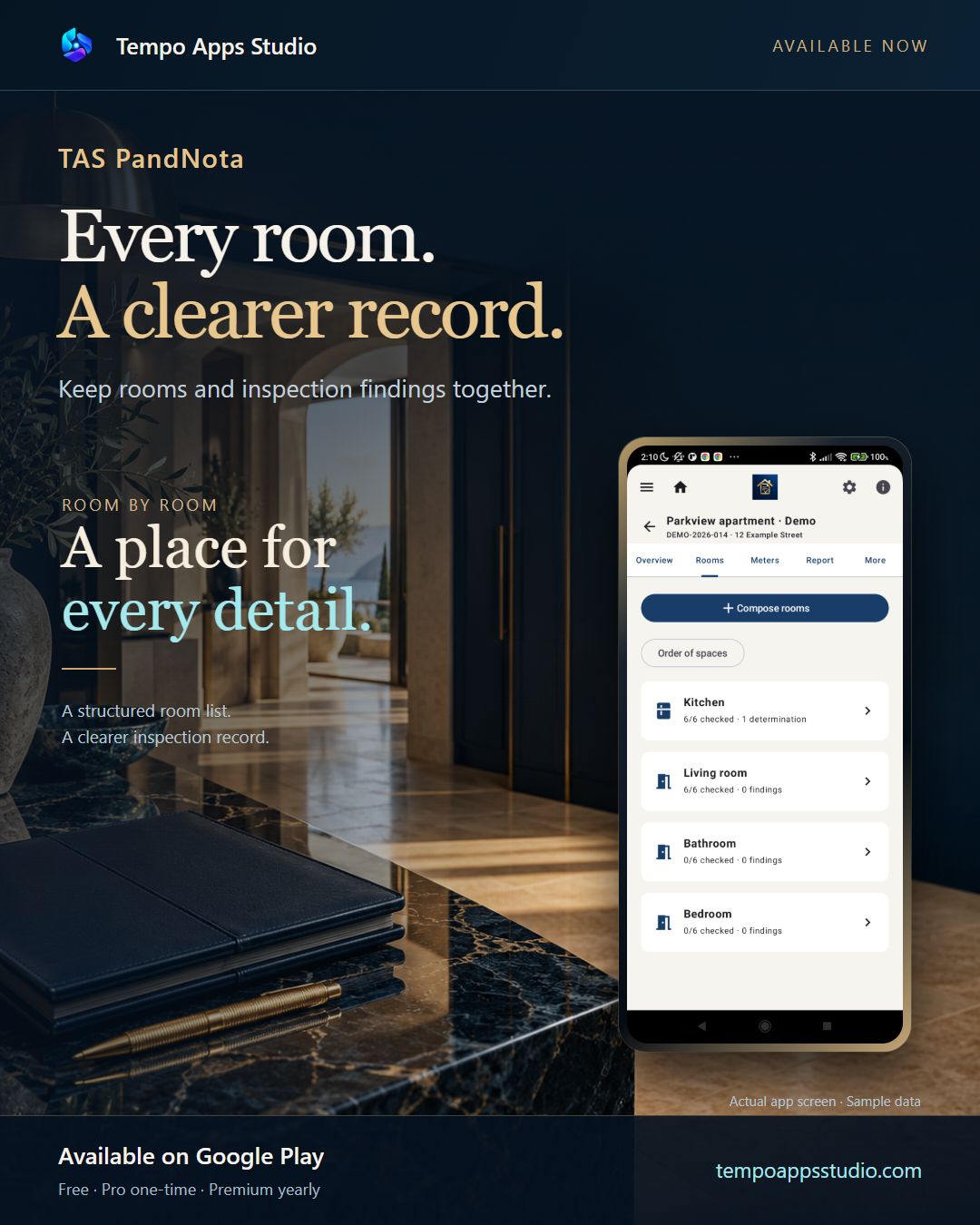
Open the Rooms tab and choose Compose rooms. Select the room types that match the property. Use the plus buttons to set the quantities. This sample has a living room, a kitchen, and two bedrooms. Save your selection. Each room now has its own place in the file, with a count of checked items and recorded findings.
Open a room and review its checkpoints. Choose a status that reflects what you actually inspected. Here, the floor is satisfactory. The other items remain not checked until you assess them. An issue at the door opens a prompt to add details and photos. You can return to that explanation later. The door stays marked as an issue. An unchecked item stays distinct from an item you have found satisfactory.
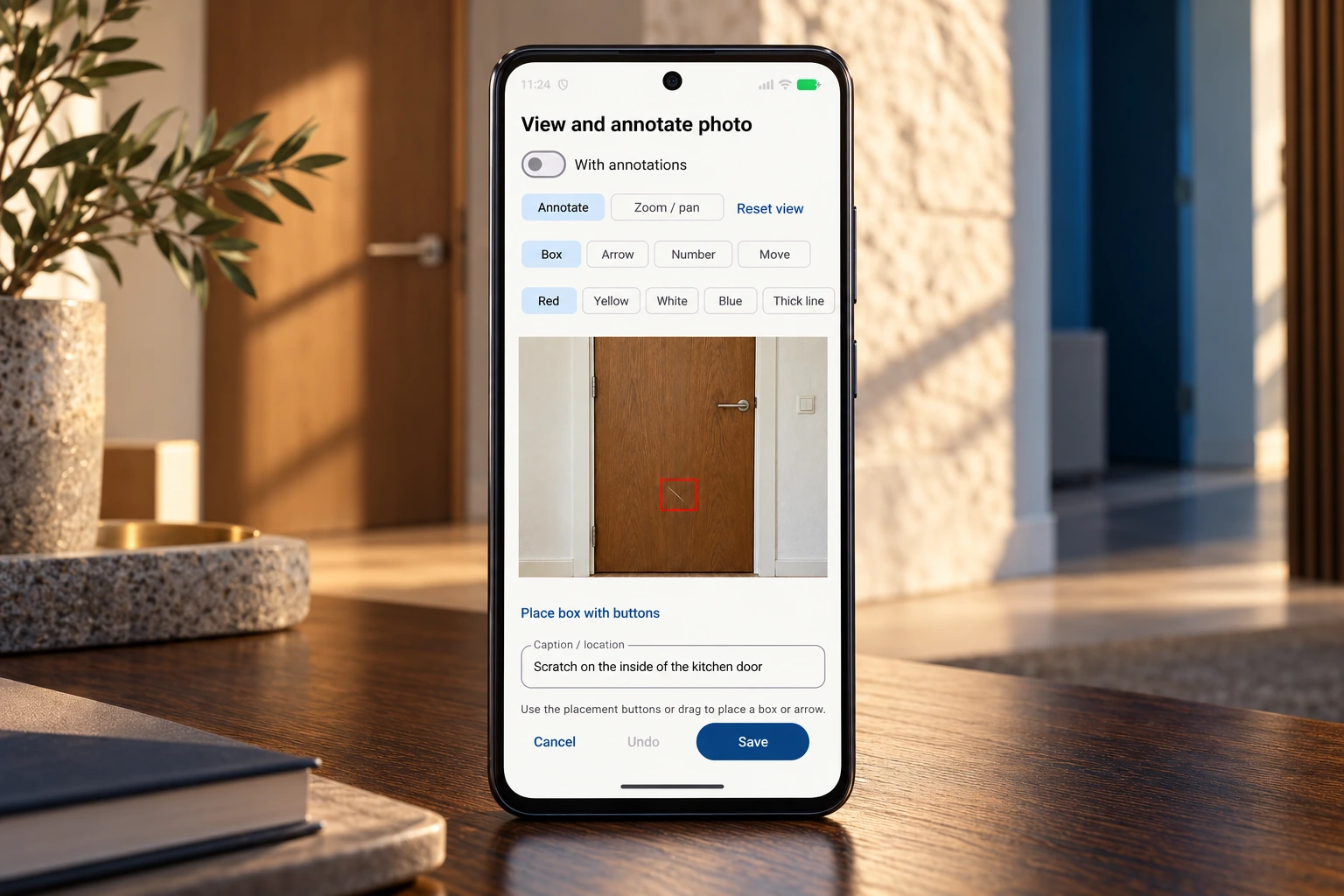
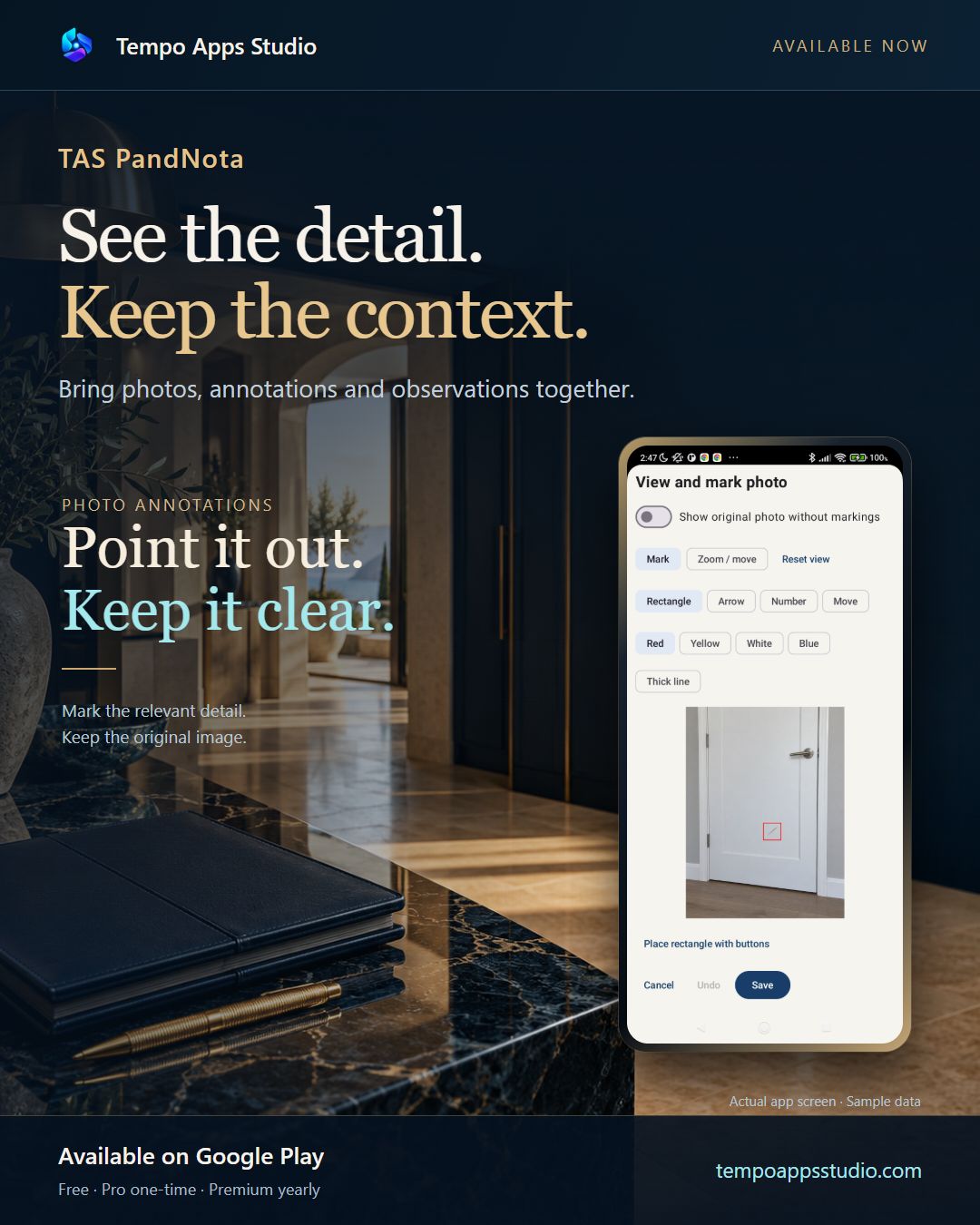
Open the inspection photo and choose a marking tool. This fictional kitchen door has a scratch in the varnish. Place a frame around the detail you want to highlight. The marking helps someone else find the same area. Use the frame controls to position and size the mark. Confirm the frame when it surrounds the relevant detail. Add a short caption, such as kitchen door, scratch in the varnish. Save the marked photo with the inspection finding.
Add a clear description: where the damage is, what it looks like, and its approximate size. Keep the wording factual. Save the finding. The written observation and its photo are now together in the room’s inspection record. Return to the room and open the finding again. You can review the description and the photo without starting a new record. The marked photo is still attached. This is a development preview with fictional data, demonstrating the actual app workflow.
These demos were recorded with an earlier development version and fictional inspection data. TAS PandNota is now available on Google Play; screens and plan limits may differ.
TAS PANDNOTA · A FIRST LOOK
Organise rooms, record findings and bring them together in a report. Available for Android.
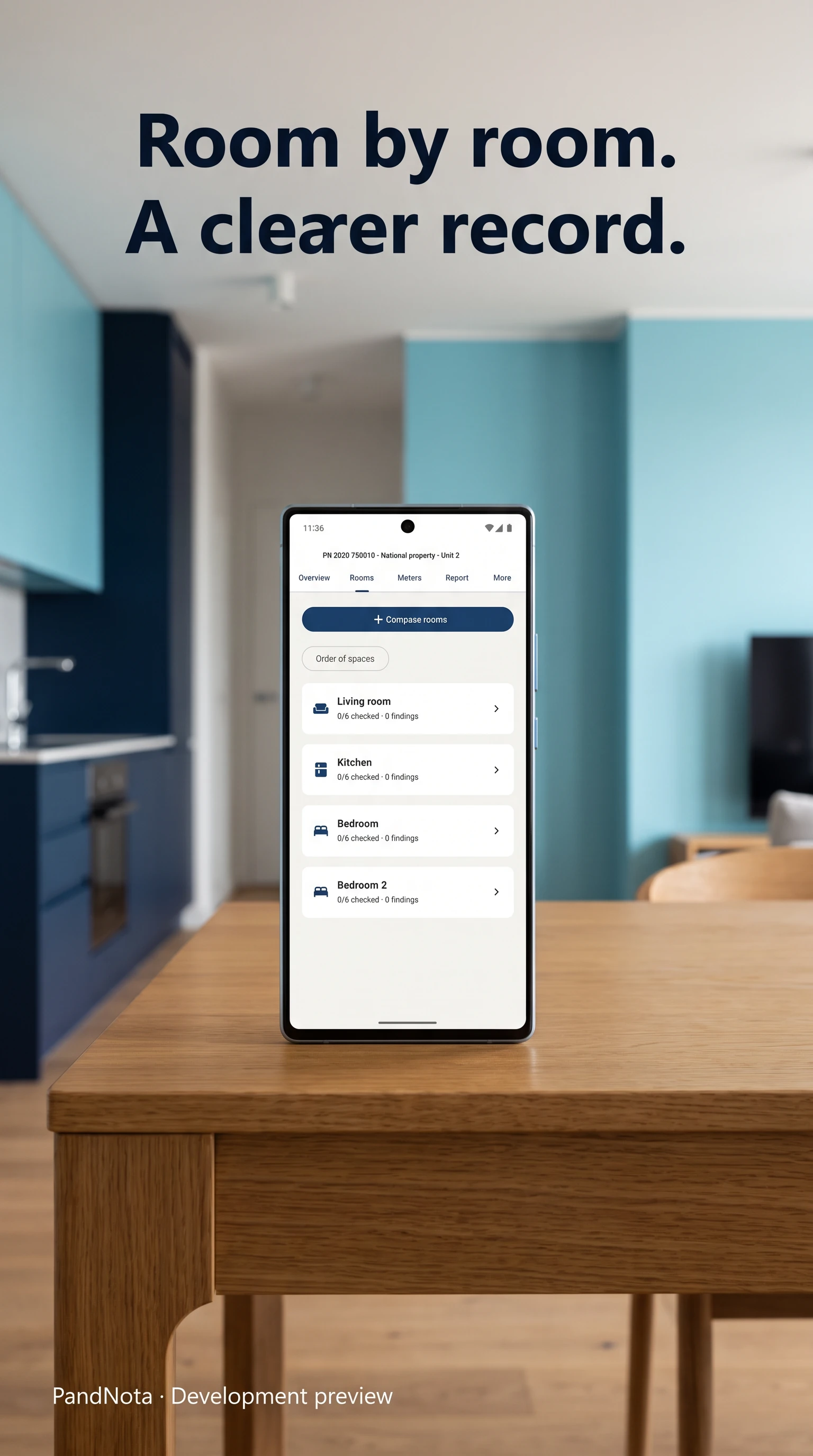
Give each room a place in your inspection file.
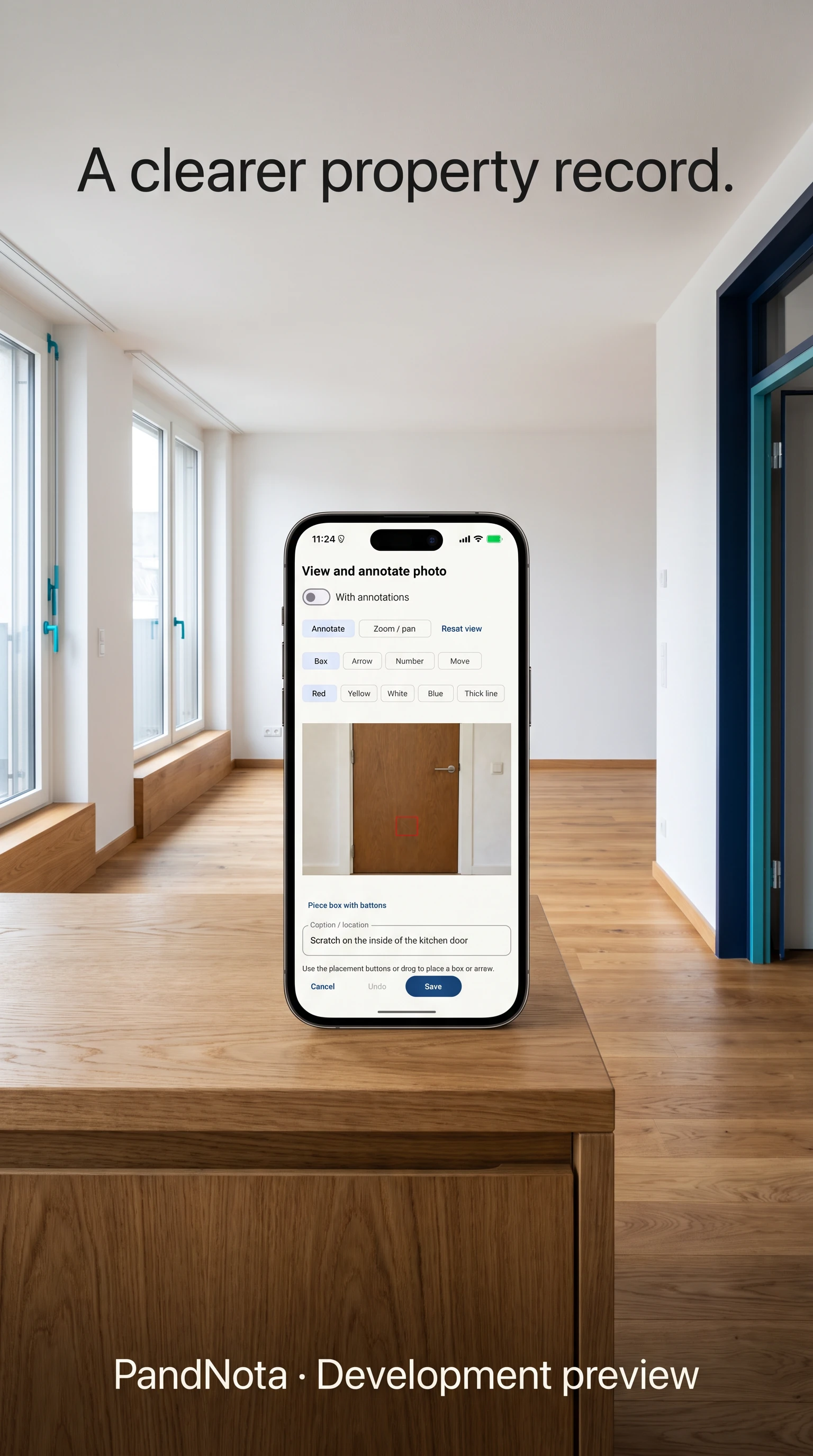
Keep photos, annotations and descriptions together.
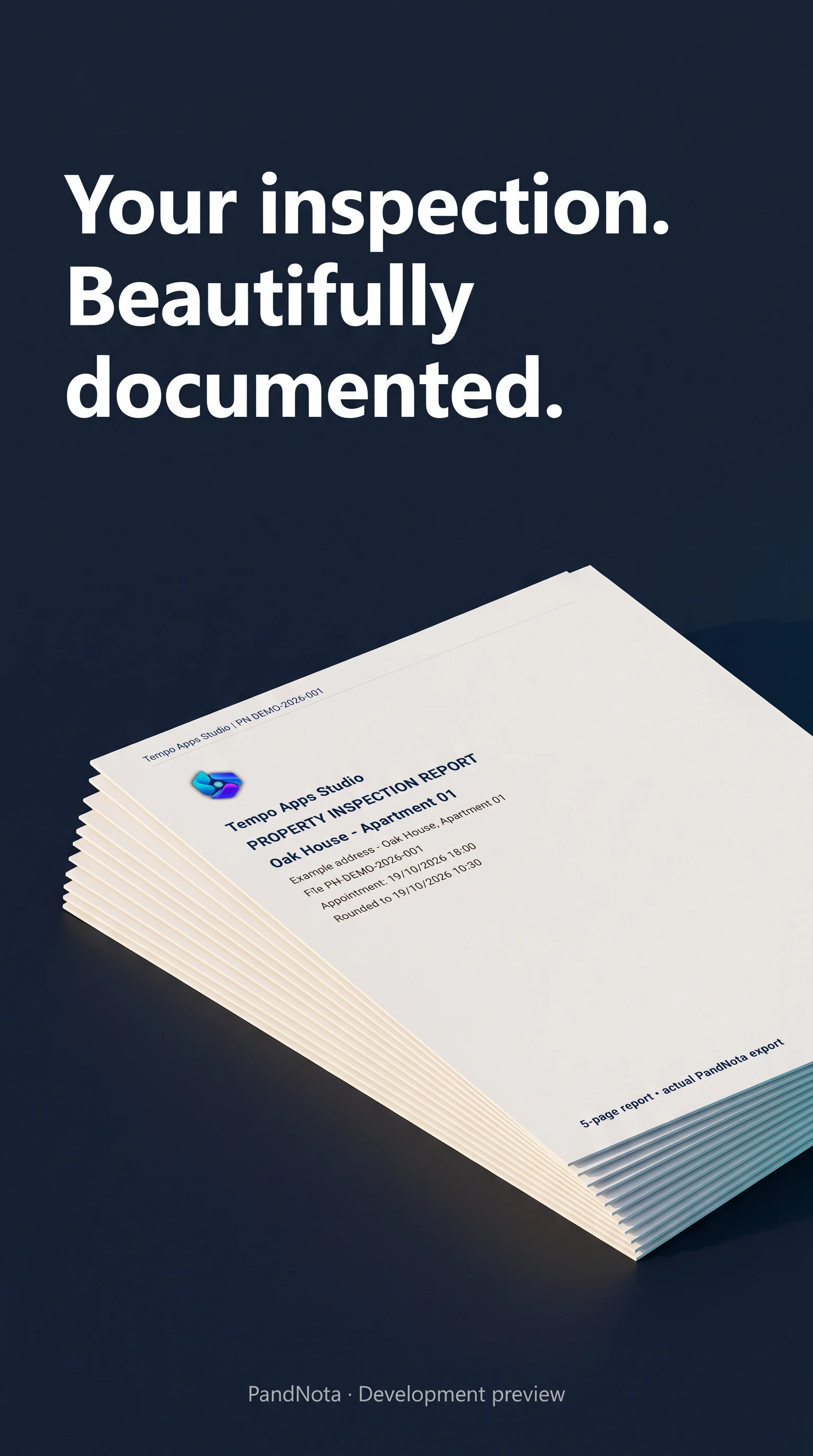
Explore the actual PDF export in the final demo.
AI-created promotional images based on TAS PandNota, with fictional data. These are illustrative previews; the actual screens and PDF export are shown in the demos. The visuals show an earlier development version; screens may differ. Tap an image to enlarge.
A structured workflow for your property visit. Available features and limits depend on Free, Pro or Premium.
Bring rooms, observations and supporting photos into a structured inspection. Keep the context with each finding.
The app includes photo annotations and preservation of original images, so visual findings remain traceable.
Create structured PDF reports and, with Premium, editable Word documents. Recipients do not need TAS PandNota to read an exported document.
The app is designed for local work on an Android device, with offline inspections and user-controlled backup options. Cloud backup requires a connection.
IN FOCUS
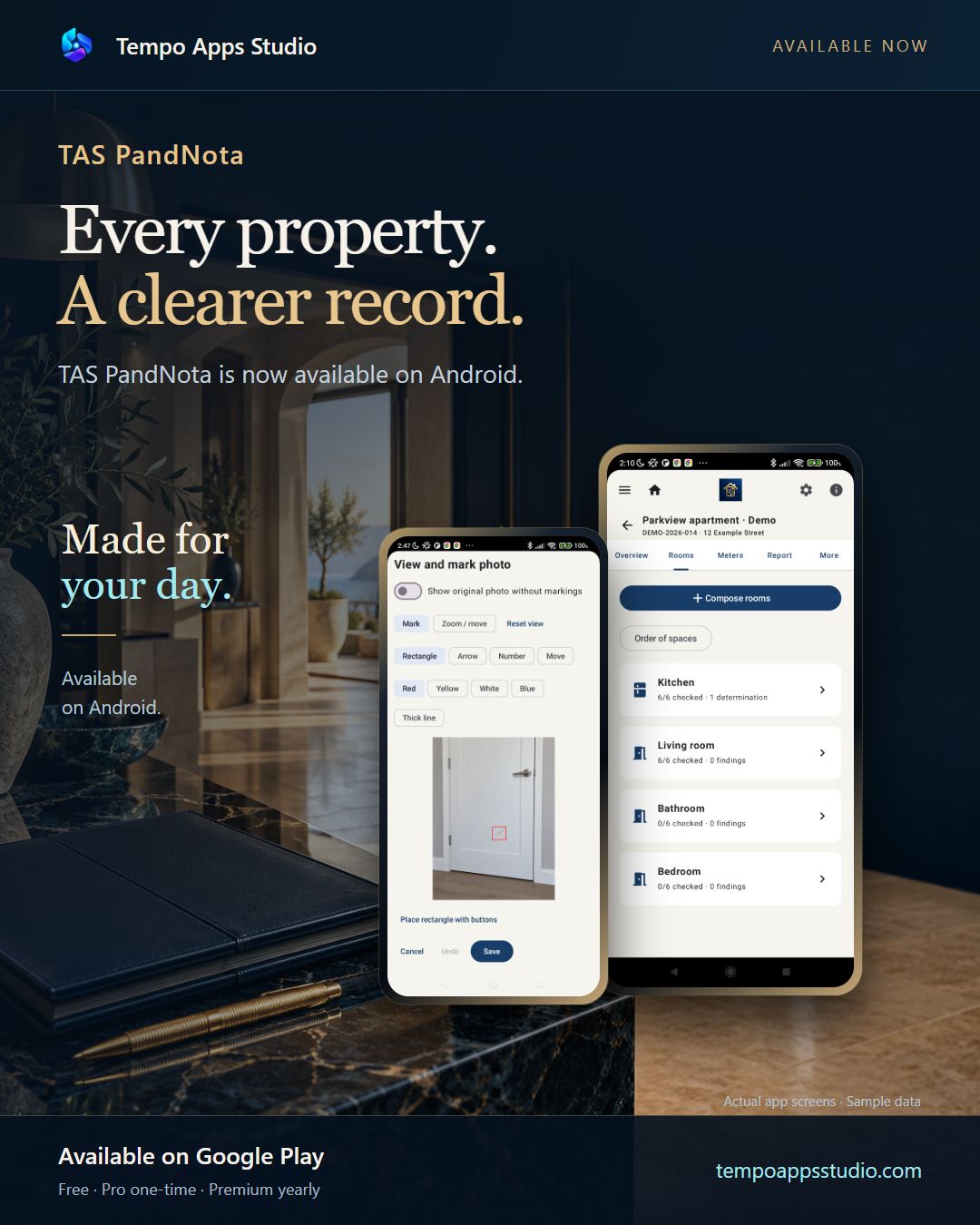
Real Android recordings with fictional data, captured in a development build. The current app may look different. English AI narration.
One property. A clearer inspection record. Open Rooms, then choose the kitchen. See which checkpoints are satisfactory, and where an issue is recorded. Explore TAS PandNota at Tempo Apps Studio.
Keep the original photo available. Switch back to its saved annotation. Save the view. The marked detail stays with the finding. Explore TAS PandNota at Tempo Apps Studio.
Recorded on a real Android phone using an earlier app version and fictional data. English synthetic narration.
One property. A clearer record. Open the inspection file to see its overview. Choose Rooms to see the spaces in this fictional apartment. Open the kitchen. Each checkpoint has its own status, so an issue stays distinct from an item marked satisfactory. This is a real app demonstration with fictional data. Discover TAS PandNota at Tempo Apps Studio.
One active file of your own, up to four photos per room and a basic PDF with prominent app attribution.
Up to five active files of your own and eight photos per room. Your company logo, extended PDF reports, case follow-up and move-in/move-out comparison, with discreet app attribution.
No commercial quotas for files and photos; technical and device storage limits still apply. Includes Word export, templates, extended branding and annotated floor plans. New reports without an app watermark.
Google Play shows the current local price before purchase. Completed and archived files are retained. Premium requires periodic online licence checks; cloud backups require a connection.
TAS PandNota helps with documentation and does not replace an official inspection, valuation or professional advice.
Get it on Google Play ↗Questions about the app?
info@tempoappsstudio.com ↗Read how TAS PandNota handles data, backups and sharing, and how to delete your information.
TAS PandNota privacy policy →EVERYDAY GUIDES
Why 2 hours 45 minutes is 2.75 hours, with a conversion table and a real app demo.
Read the guide →Capture the room, the detail and the observation so each photo has useful context.
Read the checklist →Available on Google Play: 0.79.18.
Connect your own Google account to save and restore supported app data. Make a copy when you choose, or enable optional daily or weekly automatic backups. Automatic backups are off by default.
An internet connection and free Drive storage are required. Android can delay scheduled backups. This is backup and restore, not live synchronisation. Purchases and licences are not transferred by a backup.
The latest public release also includes the recent Russian-language improvements. See Google Play for availability on your device and in your country.