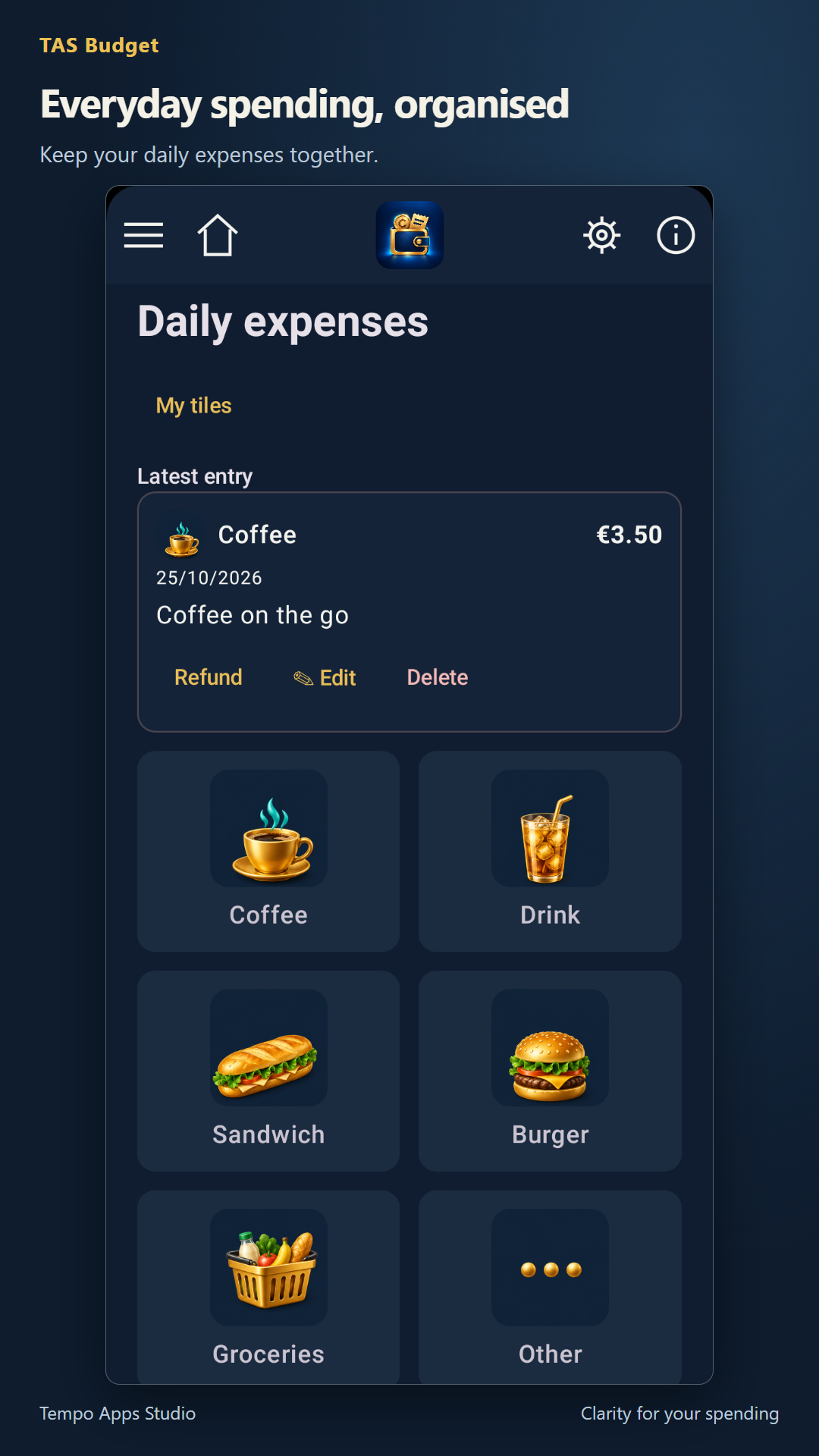
Everyday spending
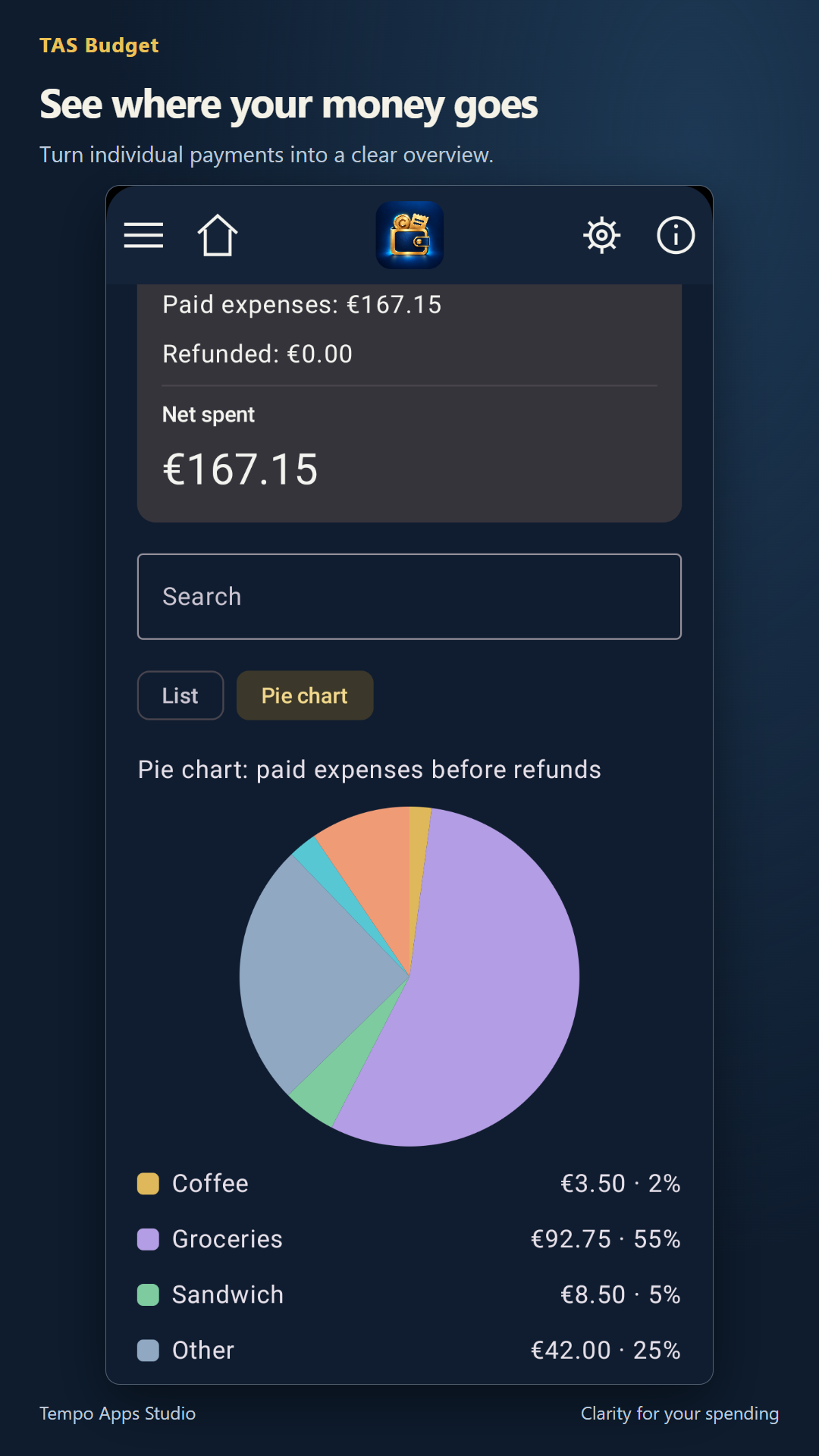
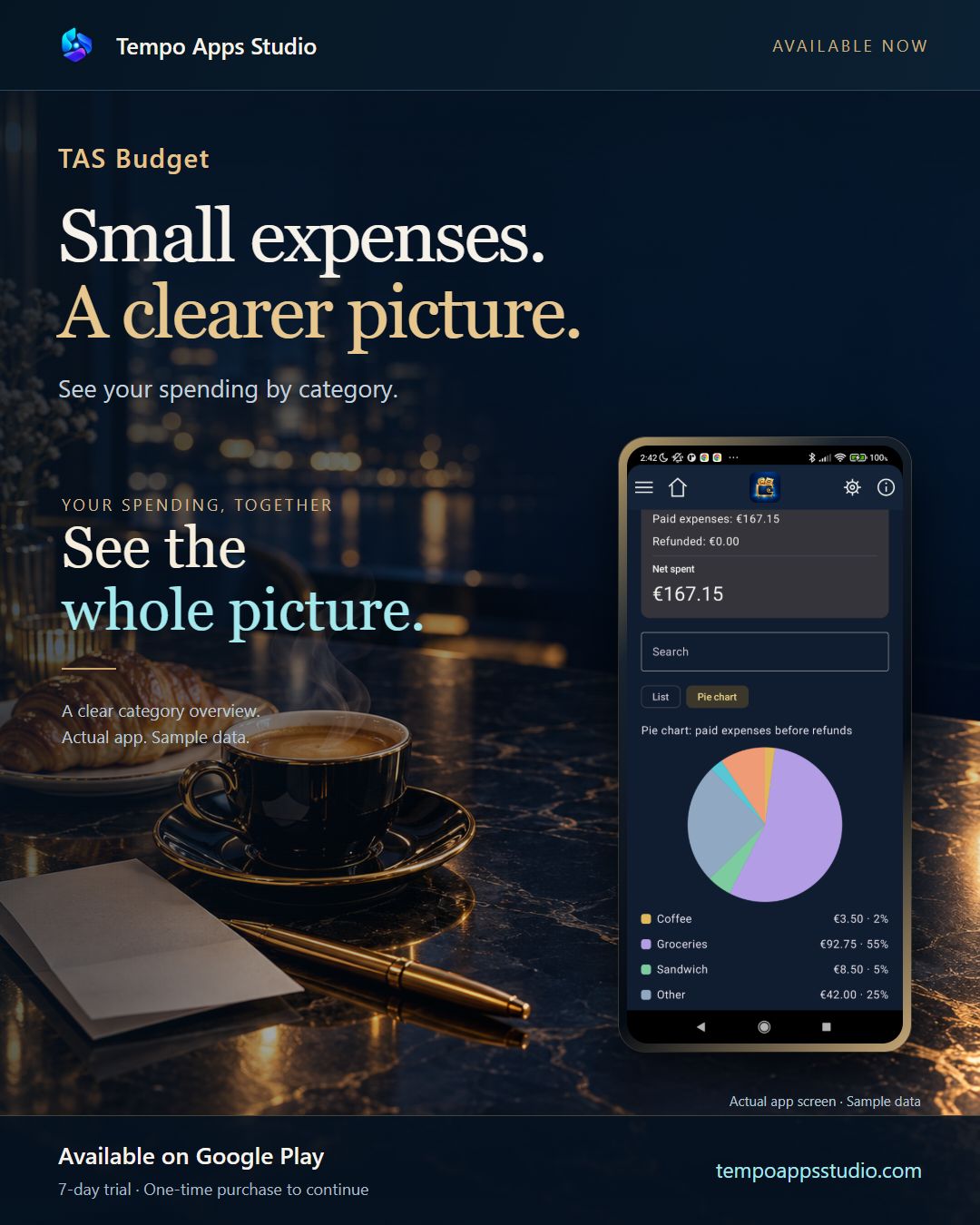
Record expenses by category and explore your spending in a list or pie chart.
 Tempo Apps Studio

Spending & planning
Coffee, groceries, a recurring bill. See where your money goes and keep upcoming payments in view.
Available for Android
Now available on Google Play. Try full access for seven days.
Get it on Google Play ↗ Tempo Apps Studio
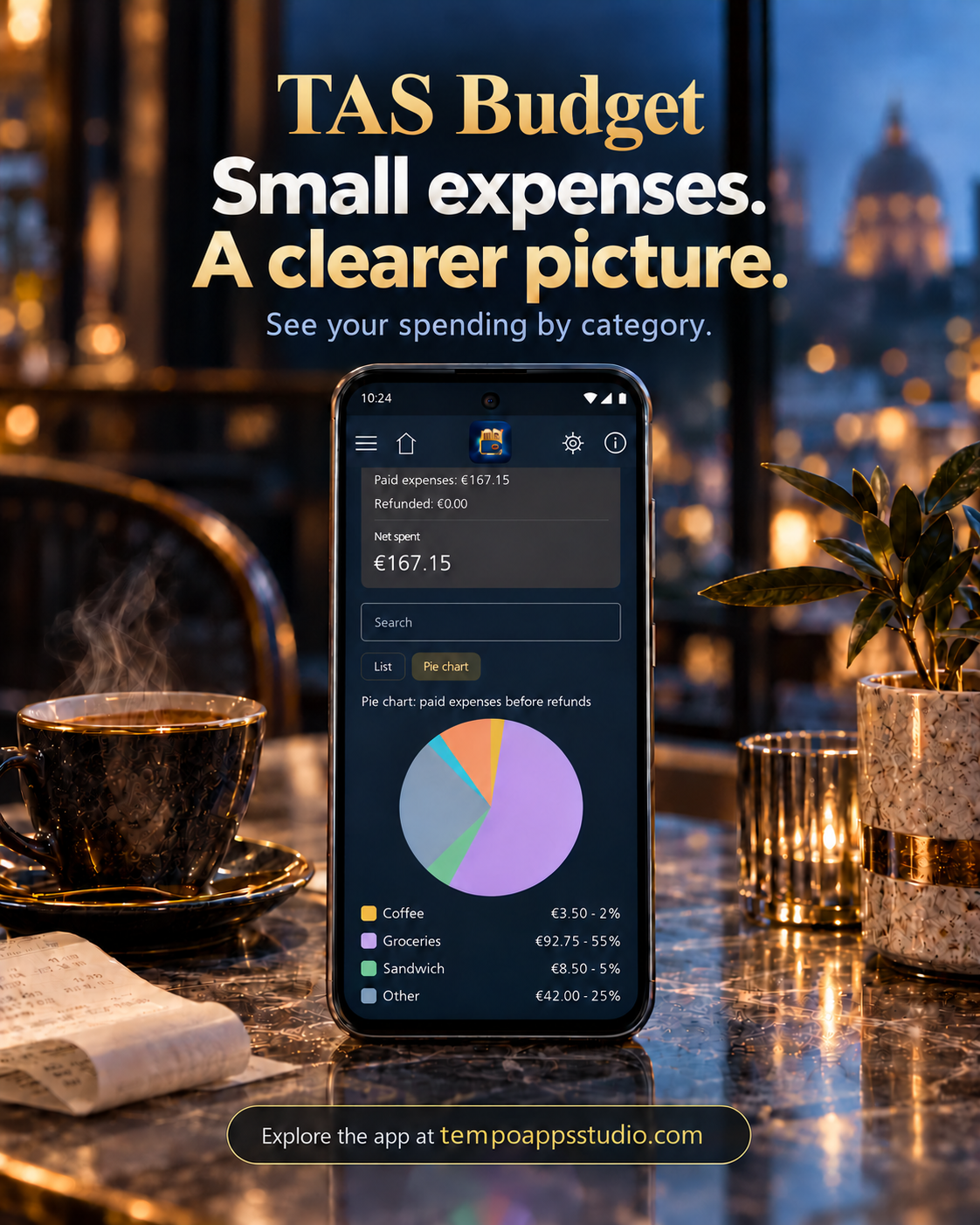
Record expenses by category and explore your spending in a list or pie chart.
Keep subscriptions, bills and instalments together. You confirm what has actually been paid.
Keep your records locally and make a backup. Version 0.1.28 includes optional built-in backup and restore through your own Google Drive, alongside supported local backup options.
Actual app screenshots with sample data. Appearance may vary by version.
IN FOCUS
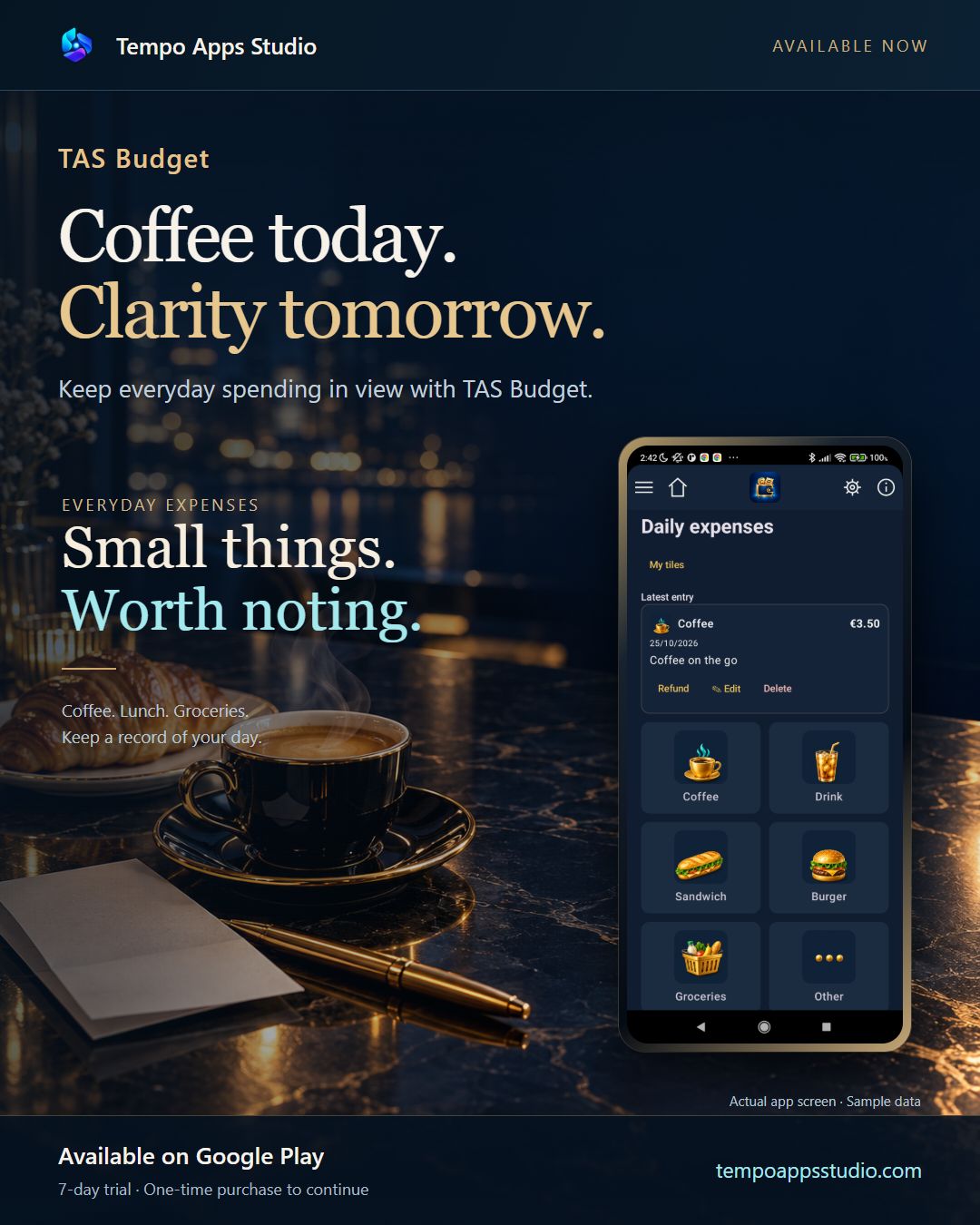
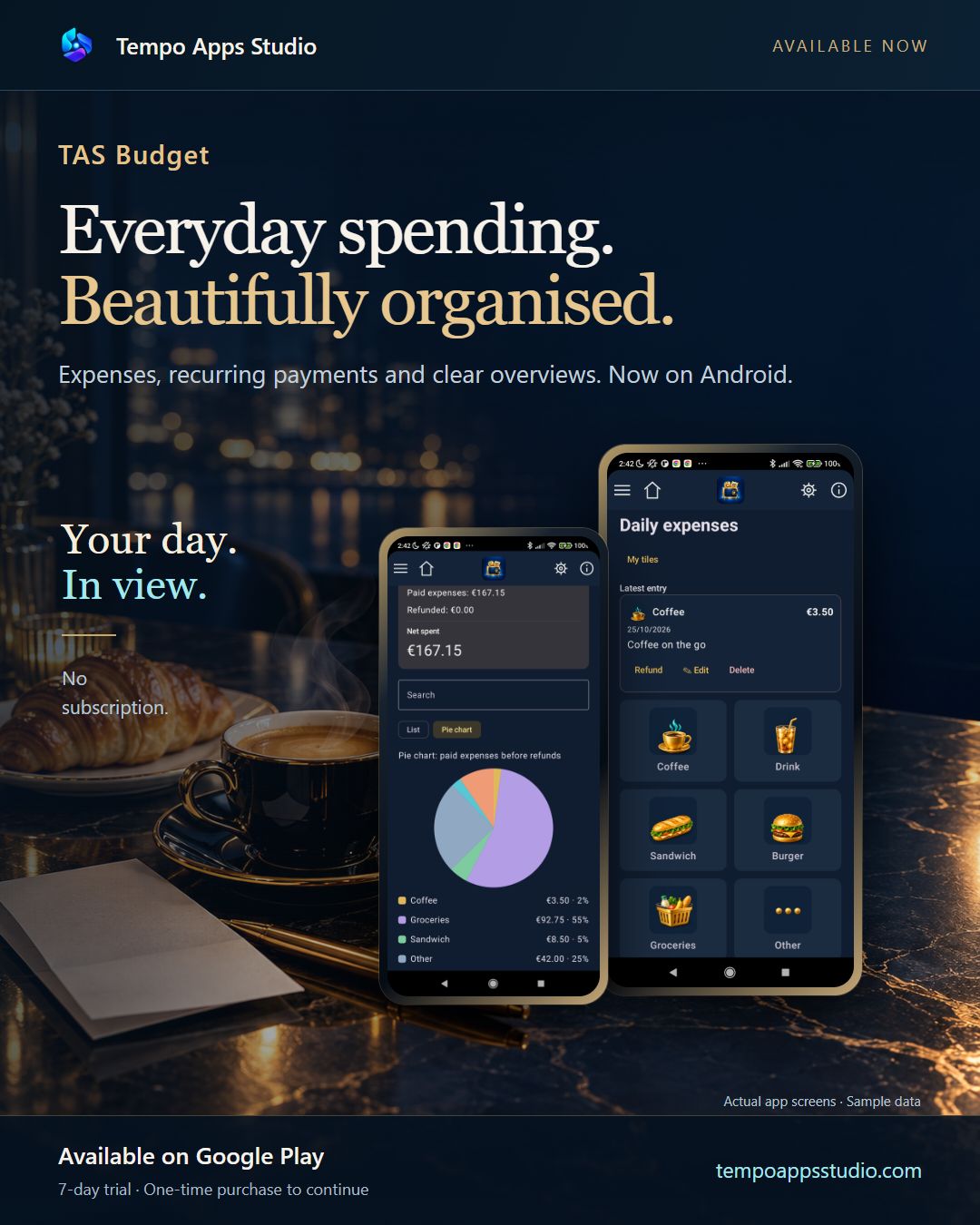
Real Android recordings with fictional data. English AI narration. Result screens are briefly held while the explanation finishes.
Coffee on the go. Choose Coffee. Enter three euros fifty. Save. Your expense is recorded. Explore TAS Budget at Tempo Apps Studio.
Coffee and lunch. What did you spend? Open the overview. Nine euros in total. Switch to the pie chart to see each category. Explore TAS Budget at Tempo Apps Studio.
Try full access for seven days. Continue afterwards with a one-time purchase. No subscription and no automatic charge when the trial ends. Google Play shows your local price before purchase.
Each app has its own purchase. Buying one studio app does not unlock the others.
Available on Google Play: 0.1.28.
Connect your own Google account to save and restore supported app data. Make a copy when you choose, or enable optional daily or weekly automatic backups. Automatic backups are off by default.
An internet connection and free Drive storage are required. Android can delay scheduled backups. This is backup and restore, not live synchronisation. Purchases and licences are not transferred by a backup.
The latest public release also includes the recent Russian-language improvements. See Google Play for availability on your device and in your country.