Time, with a remainder
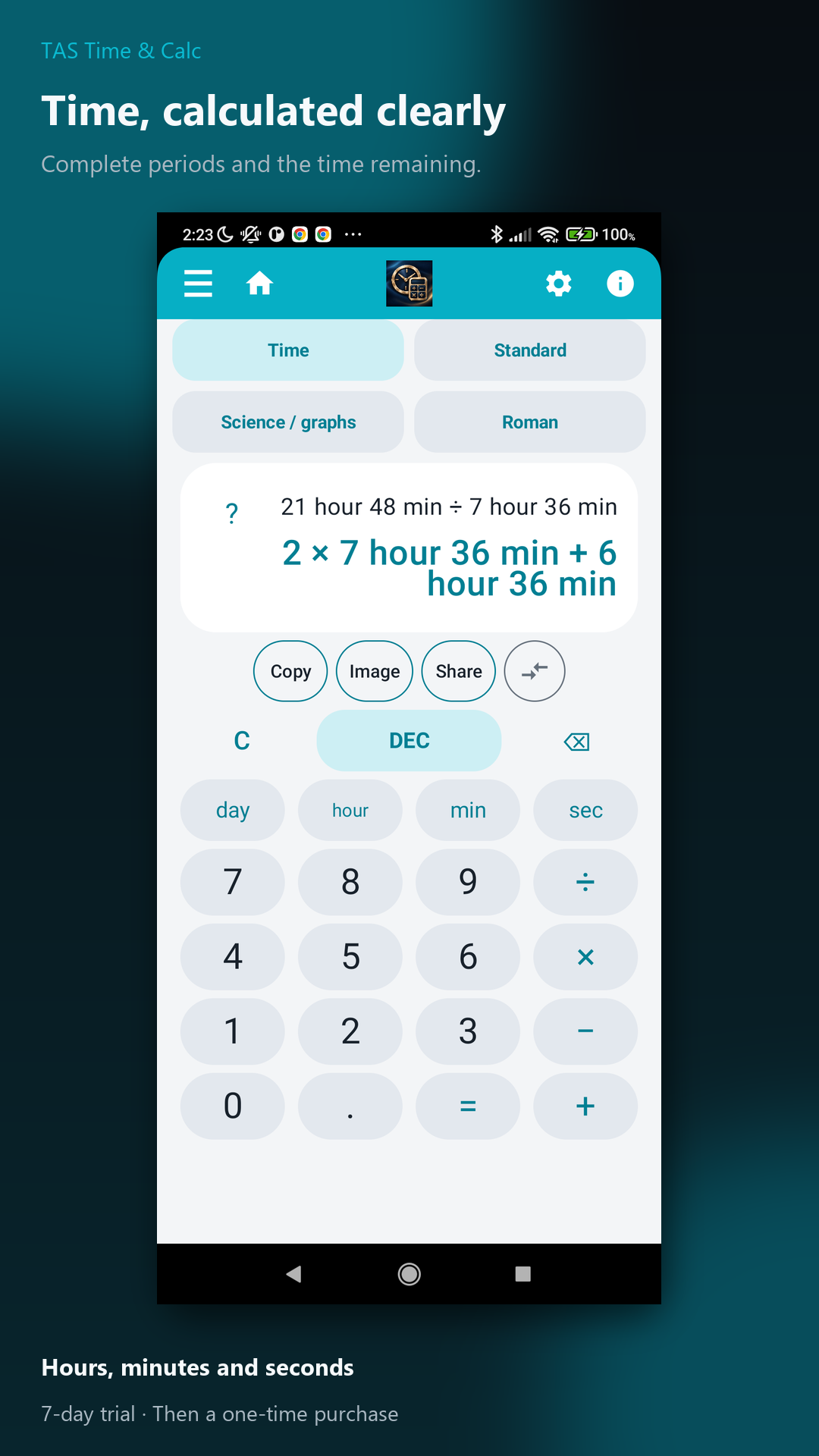
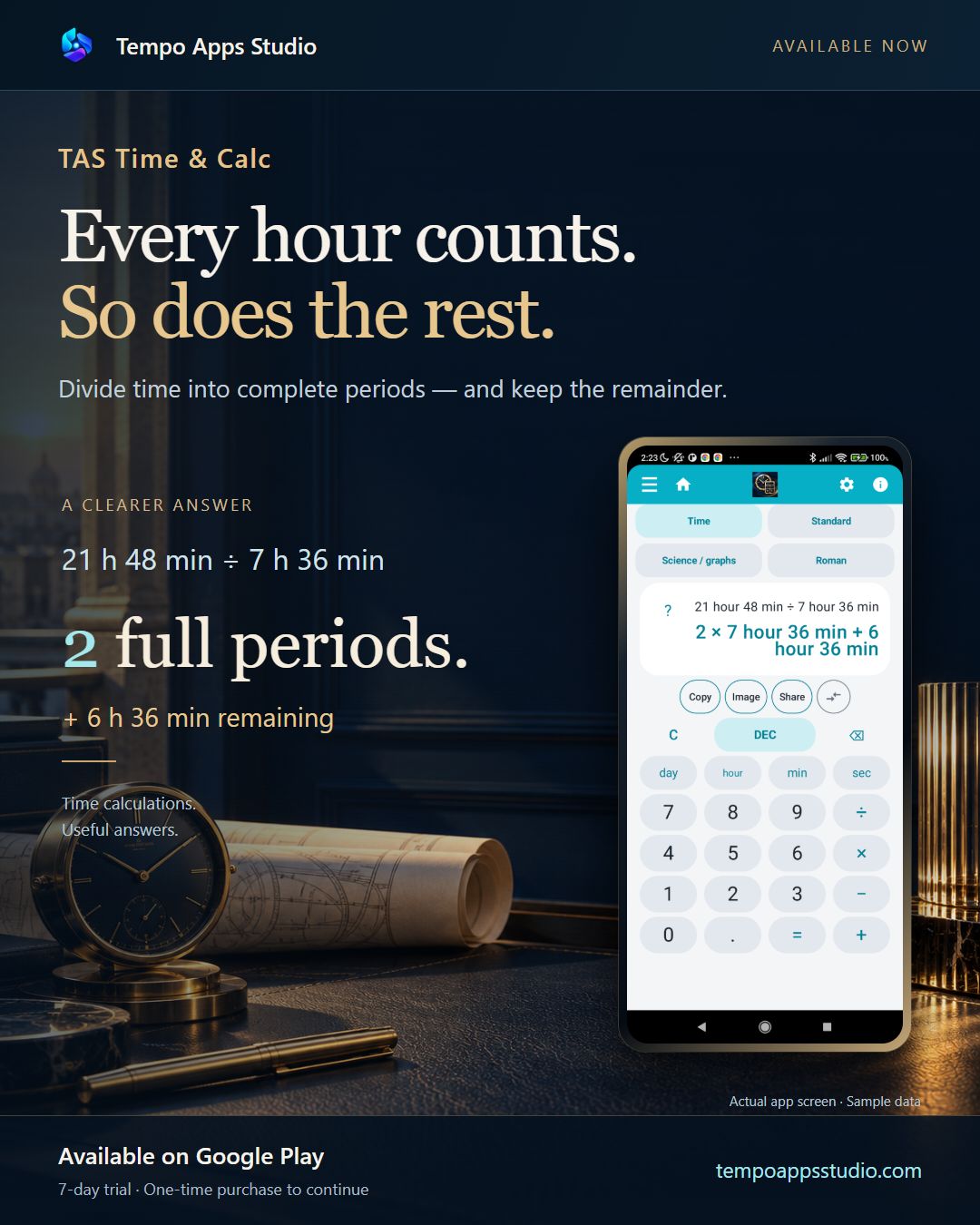
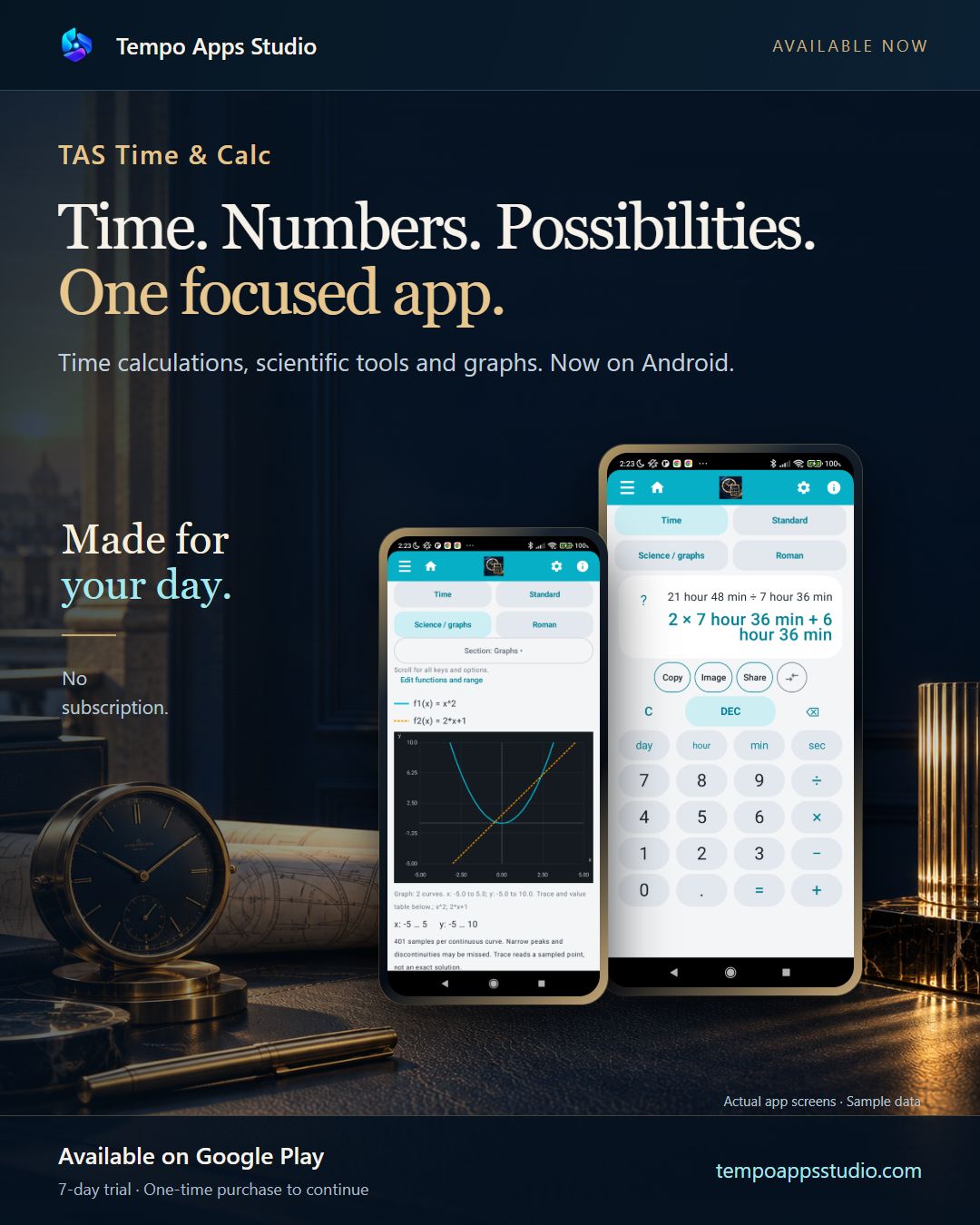
21 h 48 min ÷ 7 h 36 min = 2 complete periods, with 6 h 36 min left. Switch between time notation and decimal hours.
 Tempo Apps Studio
Time & calculations
How many complete periods fit into your time? Divide durations, work with formulas and explore graphs in one app.
Available for Android
Now available on Google Play. Try the calculation features for seven days.
Get it on Google Play ↗ Tempo Apps Studio
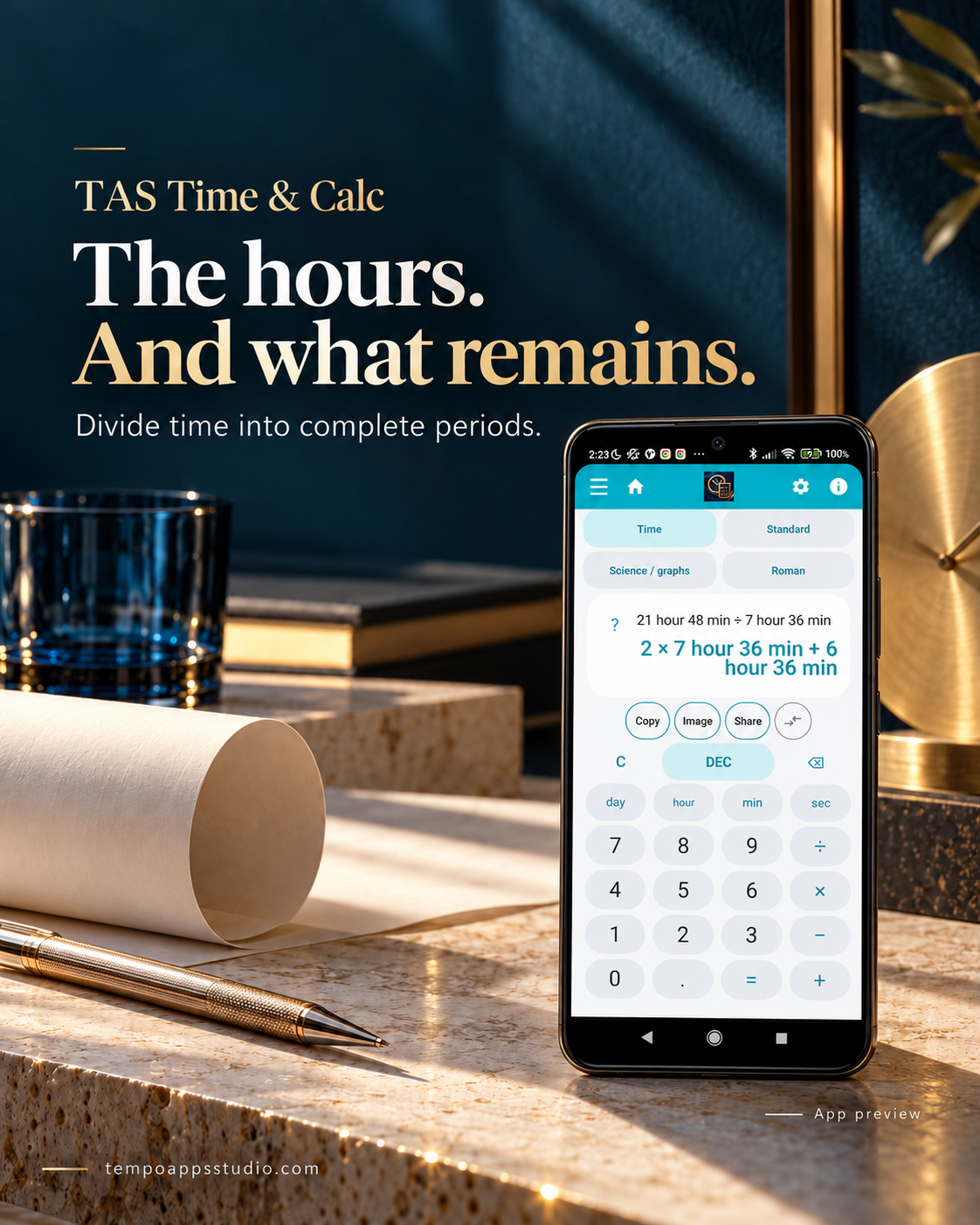
21 h 48 min ÷ 7 h 36 min = 2 complete periods, with 6 h 36 min left. Switch between time notation and decimal hours.
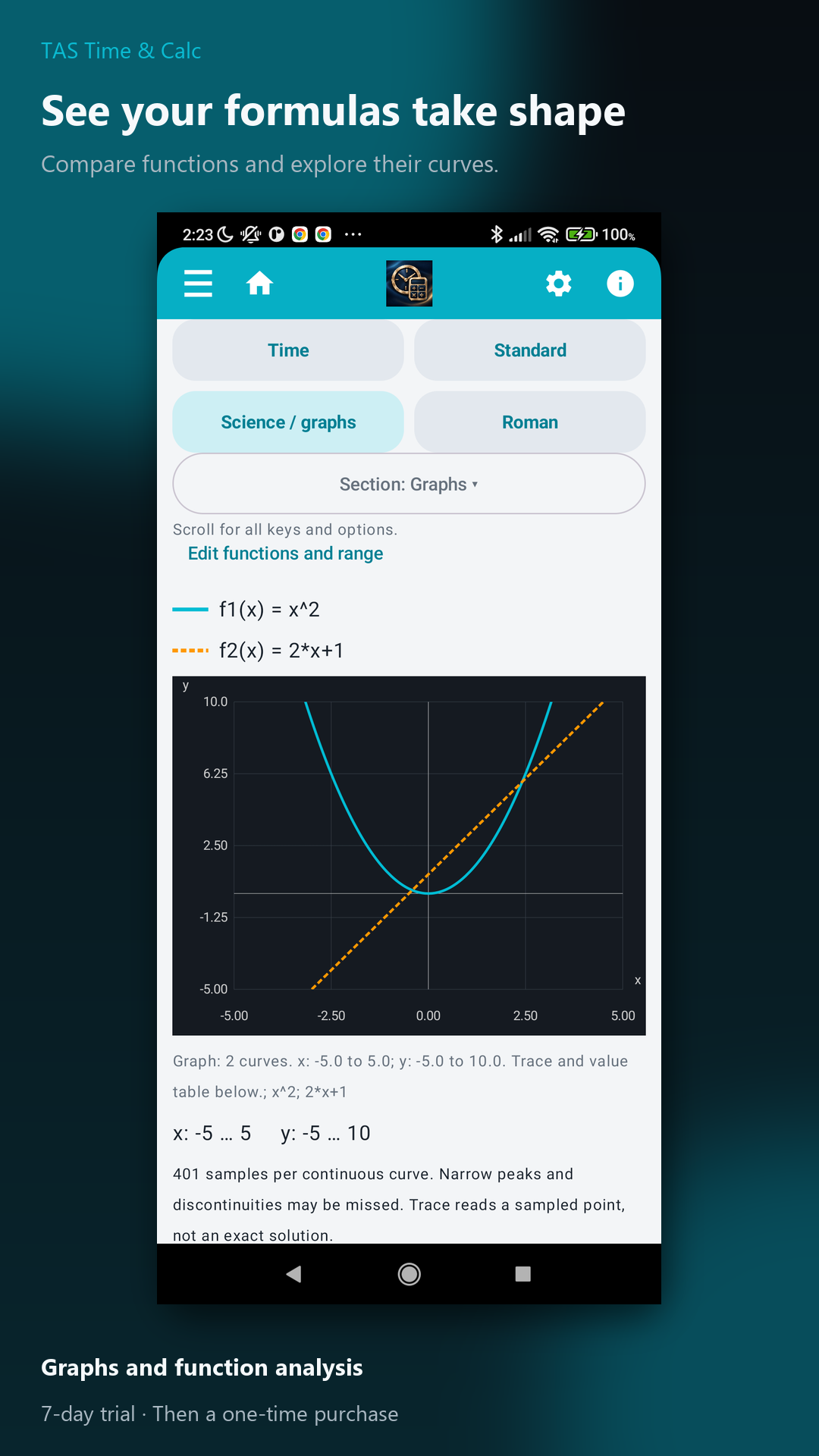
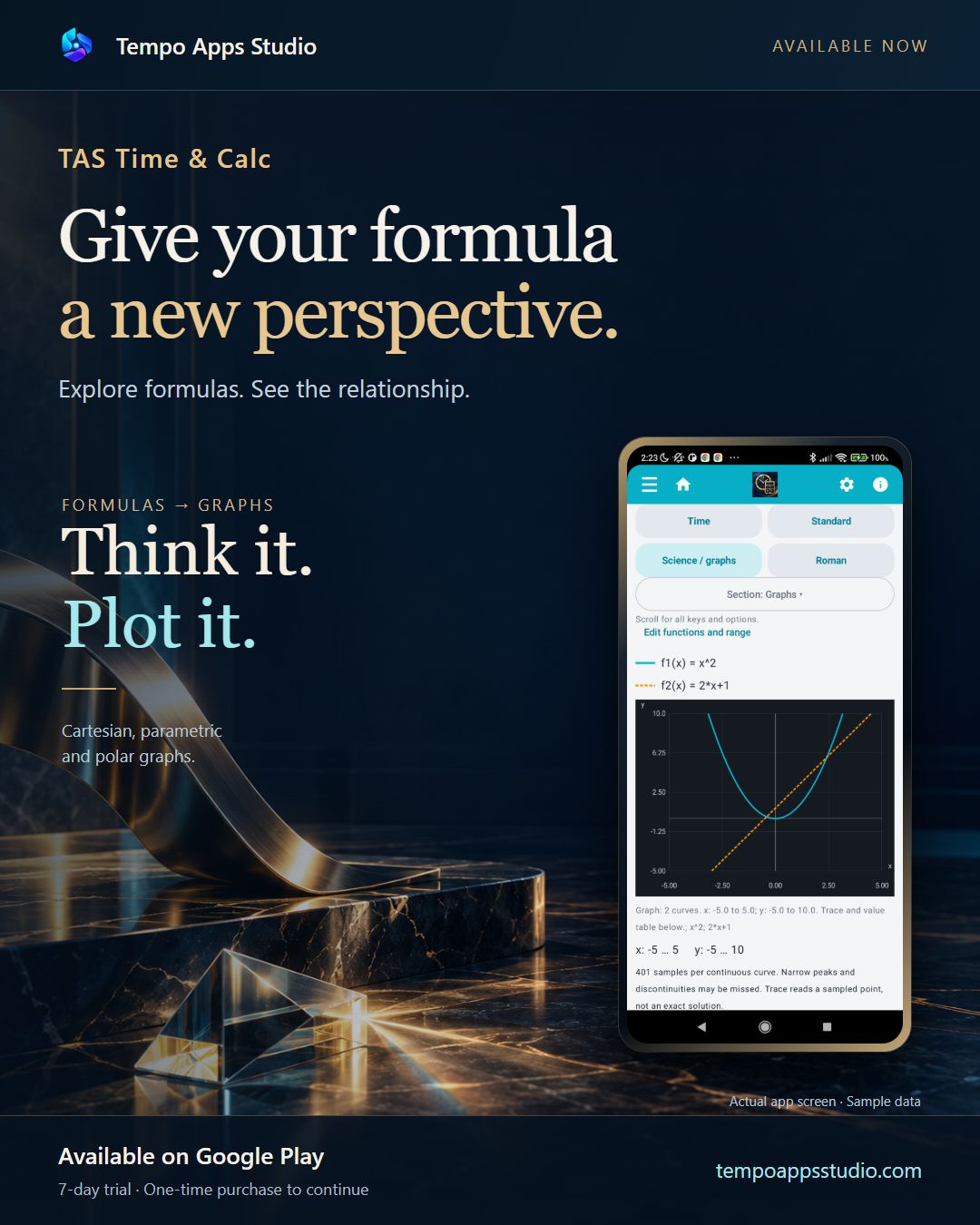
Standard and scientific calculations, formulas and Cartesian, parametric and polar graphs.
Revisit your calculation history, keep time calculations as favourites and back up your saved data.
Actual app screenshots with sample data. Appearance may vary by version.
IN FOCUS
Real Android recordings with fictional data. English AI narration. Result screens are briefly held while the explanation finishes.
How many complete periods fit into your time? Twenty-one hours forty-eight minutes, divided by seven hours thirty-six. Two full periods. Six hours thirty-six minutes remain. Explore TAS Time and Calc at Tempo Apps Studio.
Compare two functions. Set the range, then choose Draw. Both curves appear together on the graph. Explore TAS Time and Calc at Tempo Apps Studio.
Try the calculation features for seven days. A one-time purchase is then needed to keep making new calculations. No subscription and no automatic charge when the trial ends. Google Play shows your local price before purchase.
Each app has its own purchase. Buying one studio app does not unlock the others.
Available on Google Play: 0.2.9.
Connect your own Google account to save and restore supported app data. Make a copy when you choose, or enable optional daily or weekly automatic backups. Automatic backups are off by default.
An internet connection and free Drive storage are required. Android can delay scheduled backups. This is backup and restore, not live synchronisation. Purchases and licences are not transferred by a backup.
The latest public release also includes the recent Russian-language improvements. See Google Play for availability on your device and in your country.